Technical Support
Get help troubleshooting your Uneekor hardware, software, memberships, installations, account issues, and technical questions.
Mon - Fri 8:00am - 8:00pm EST Sat - Sun 8:00am - 5:00pm EST
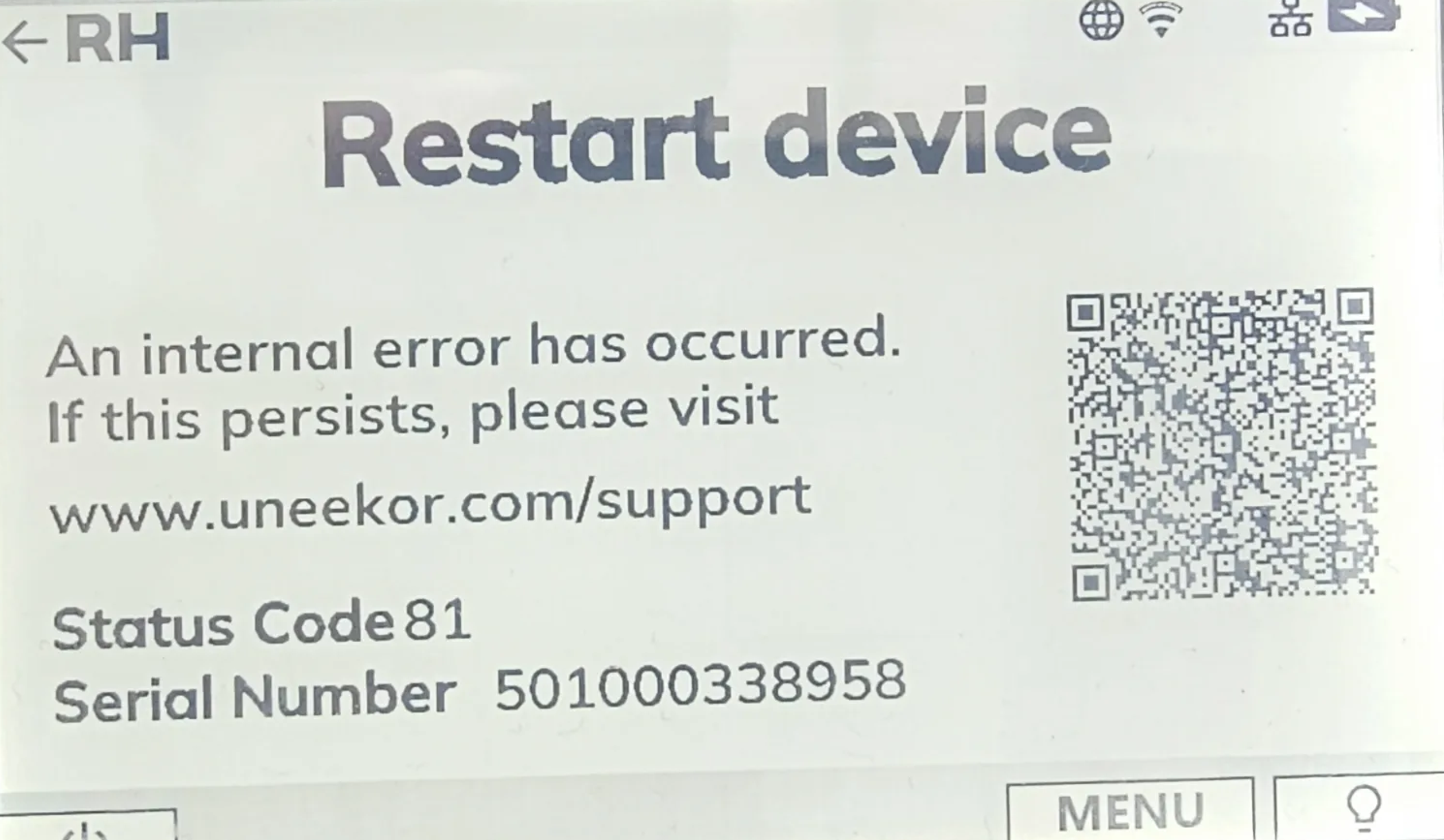
If your EYE MINI displays Status Code 81, FPGA/CAM Error, or CAM/IR Broken, the device has detected an internal error.
Restart the EYE MINI using the power button. Allow the device to completely power down before turning it back on and checking the status again.
If the status code or error code remains after restarting the EYE MINI, contact Uneekor Support for further assistance.
Can’t find what you’re looking for and need help from our experts? Reach out to us any time using phone or email.
Get help troubleshooting your Uneekor hardware, software, memberships, installations, account issues, and technical questions.
Mon - Fri 8:00am - 8:00pm EST Sat - Sun 8:00am - 5:00pm EST
Need help with an order? Contact us about shipping, order status, returns, exchanges, cancellations, warranties, or payment questions.
Mon - Fri 10:00am - 8:00pm EST