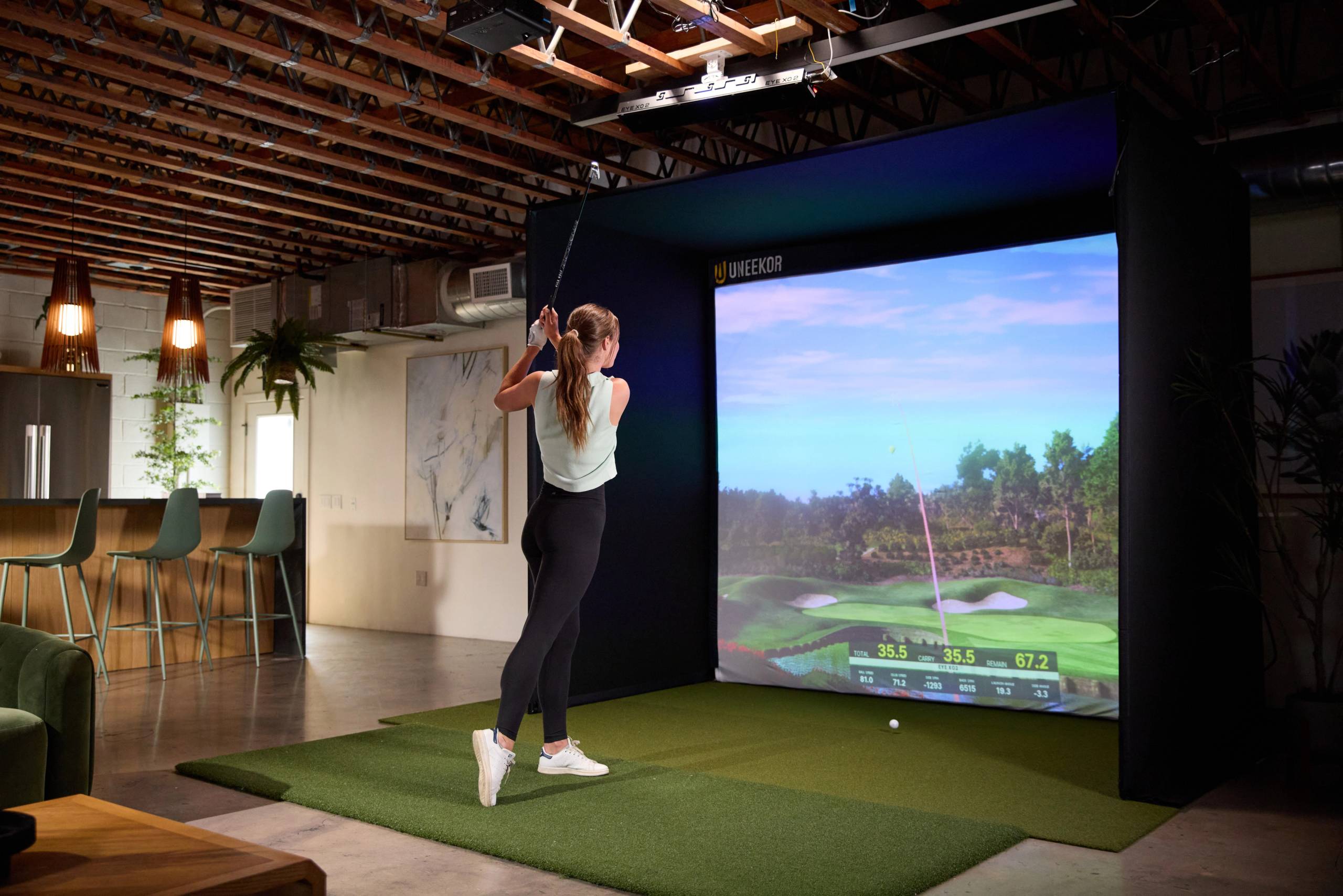
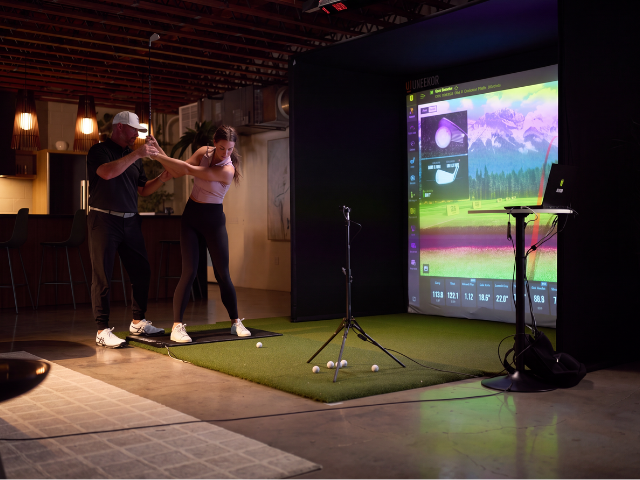
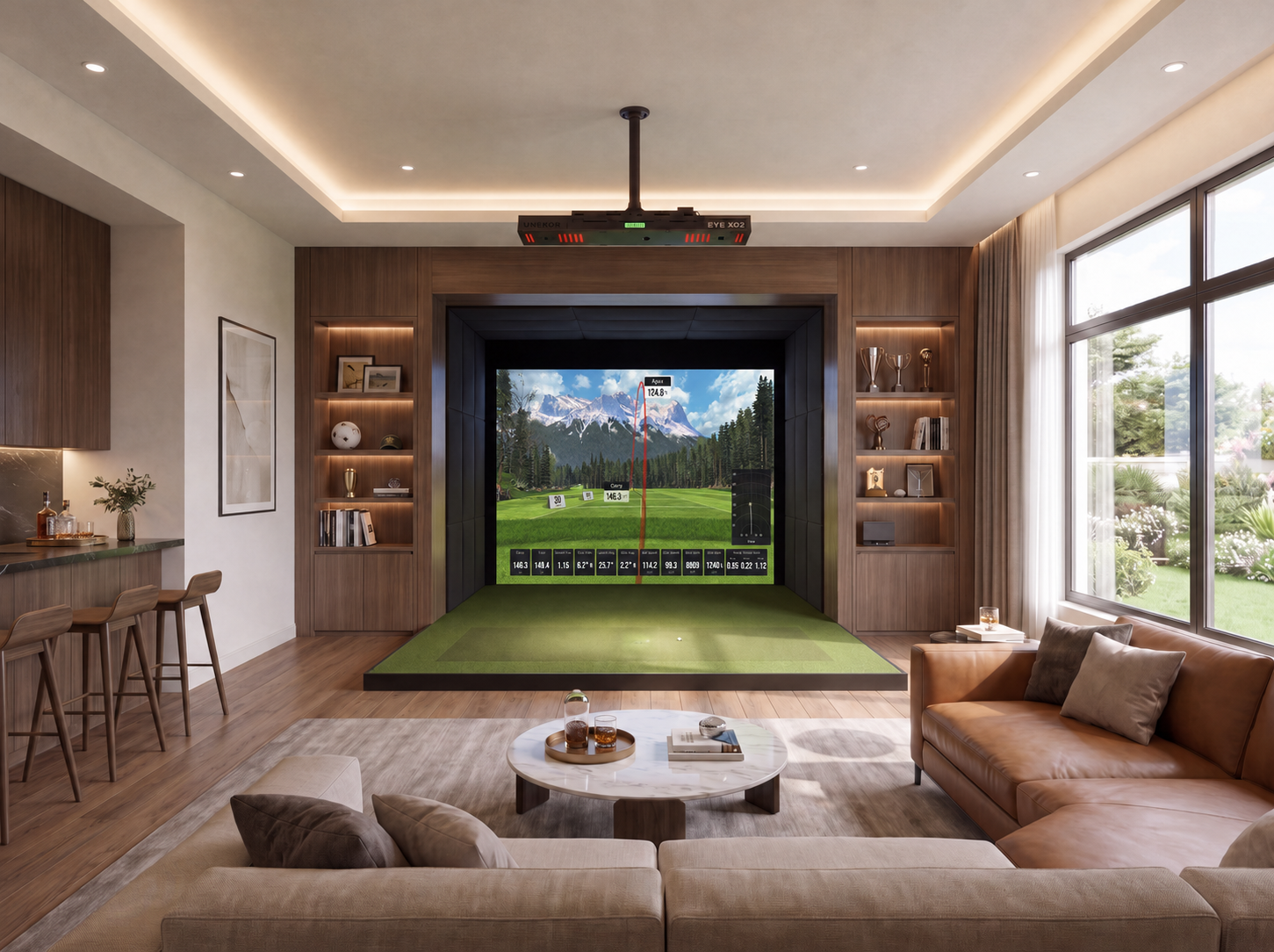
Where will you use your simulator?
Choose the setup that fits your needs – our simulators cater to both residential and commercial environments, offering customizable options to suit any space.
What are your room dimensions?
Provide your room dimensions to ensure the configuration fits your space perfectly and we can offer you the right pieces for your build.
The minimum dimensions are 10ft x 9.5ft x 16ft.
Choose your Launch Monitor
Select the Uneekor launch monitor that best fits your space, from compact ground units to advanced overhead systems.
Choose your Enclosure
Choose a screen and enclosure size that fits your room and desired space usage. Our enclosures provide the best quality and an immersive experience.
Choose your Landing Turf
Choose a landing turf that complements your simulator setup and provides a seamless, realistic surface from your hitting mat to the screen. Our turf options are designed for durability, comfort, and a polished finish.
Choose your Hitting Mat
Choose a hitting mat that fits your swing, space, and simulator setup. Our mats provide a durable, realistic hitting surface designed for comfortable play and consistent performance.
Choose your Projector
A high-quality projector vividly displays the course and flight of your ball. It brings your favorite courses to life on the impact screen.
Choose your Computer (optional)
A high-quality projector vividly displays the course and flight of your ball. It brings your favorite courses to life on the impact screen.
Additional Services and Add-ons
Complete the bundle with these add-ons.
Your build summary
This is the full list of items in your custom SIMKIT. If you're happy with your picks, proceed by adding the whole build to your cart.
Have any questions?
Our team has helped thousands of golfers build their perfect simulator setup. We're here to help you find the right fit, get in touch.
Where will you use your simulator?
Choose the setup that fits your needs – our simulators cater to both residential and commercial environments, offering customizable options to suit any space.