
Experience the daily changes in your swing together with our AI Agent, ‘AIMY’!
In the midst of complex numbers and metrics filling the screen, finding the exact areas of improvement you need on your own is by no means easy.
Our AI golf agent, ‘AIMY’, simplifies these hard-to-interpret golf data, providing clear diagnoses and solutions that anyone, from beginners to advanced players, can intuitively understand.
No need to stress over complex data analysis—simply communicate with AIMY to perfect your swing step by step!
Introducing the Key Features
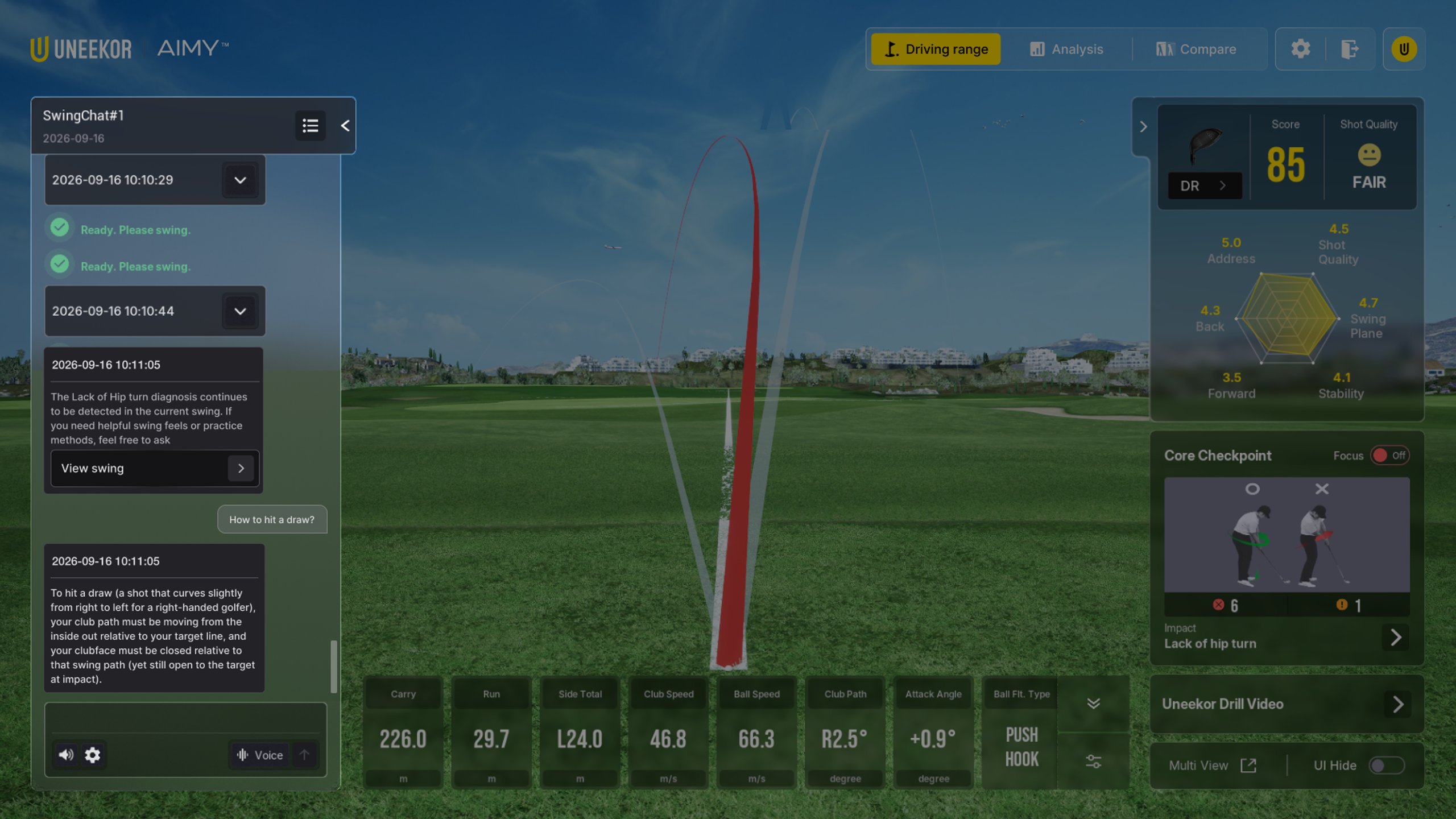
SwingChat
It’s completely fine if you don’t fully understand complex metrics. Powered by LLM (Large Language Model), SwingChat analyzes your shots and intuitively guides you through core swing issues.
Communicate comfortably as if receiving feedback from a personal pro, and check out clear swing improvement solutions tailored to your level right now.
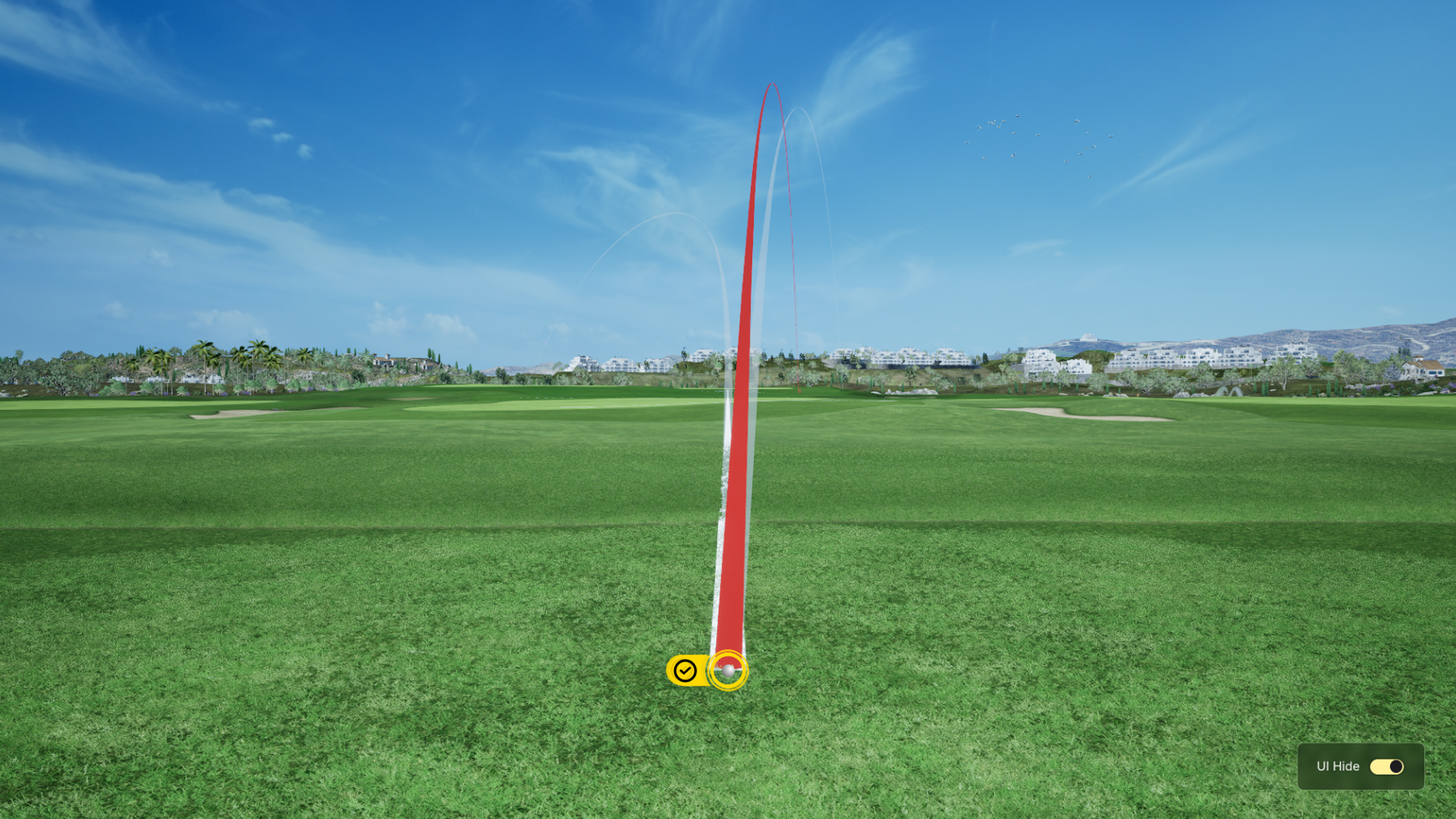
Driving Range
Through further evolved 3D photorealistic graphics, it delivers an overwhelming sense of immersion, making you feel as if you are standing on an actual, open field.
Deepen your focus on your ball flight and swing within this sophisticated and realistic practice environment, and maximize your real-game senses.
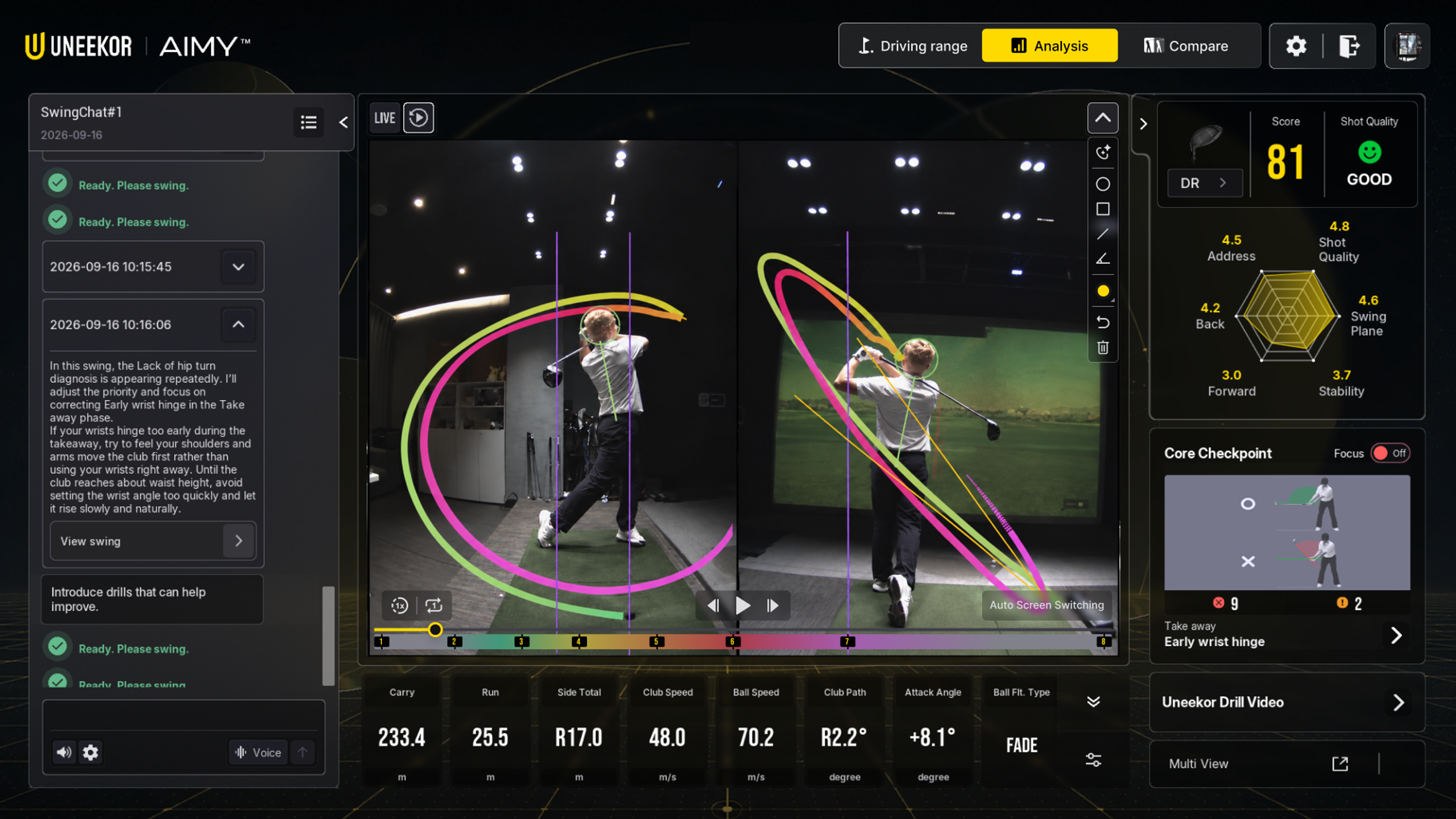
Analysis
It captures and analyzes your swing motion in real time based on our high-performance camera (Swing Optix®).
Auxiliary lines and various diagnoses drawn automatically right after the shot are immediately rendered on the screen, allowing you to visually grasp subtle movement changes that were difficult to see with the naked eye.
*Swing Optix® or Swing Optix® 2.0 is required to use AIMY.
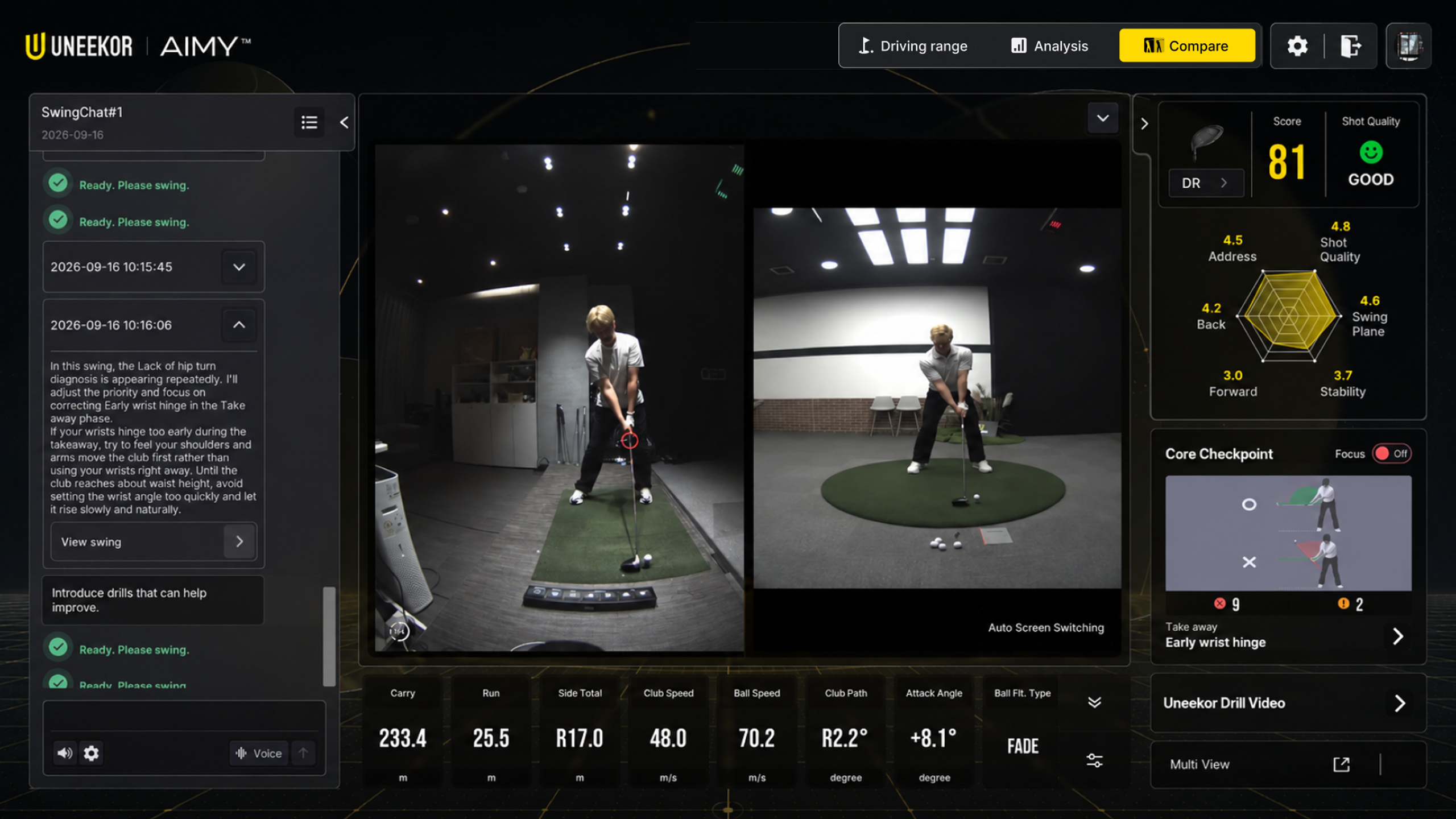
Compare
Based on the core checkpoints identified by the AI, it precisely matches and displays the specific interval in your swing where the diagnosis was detected alongside a pro’s swing video.
By intuitively comparing your movements with the pro’s step-by-step, you can clearly understand the root cause of the issue and rapidly master the correct swing mechanics.
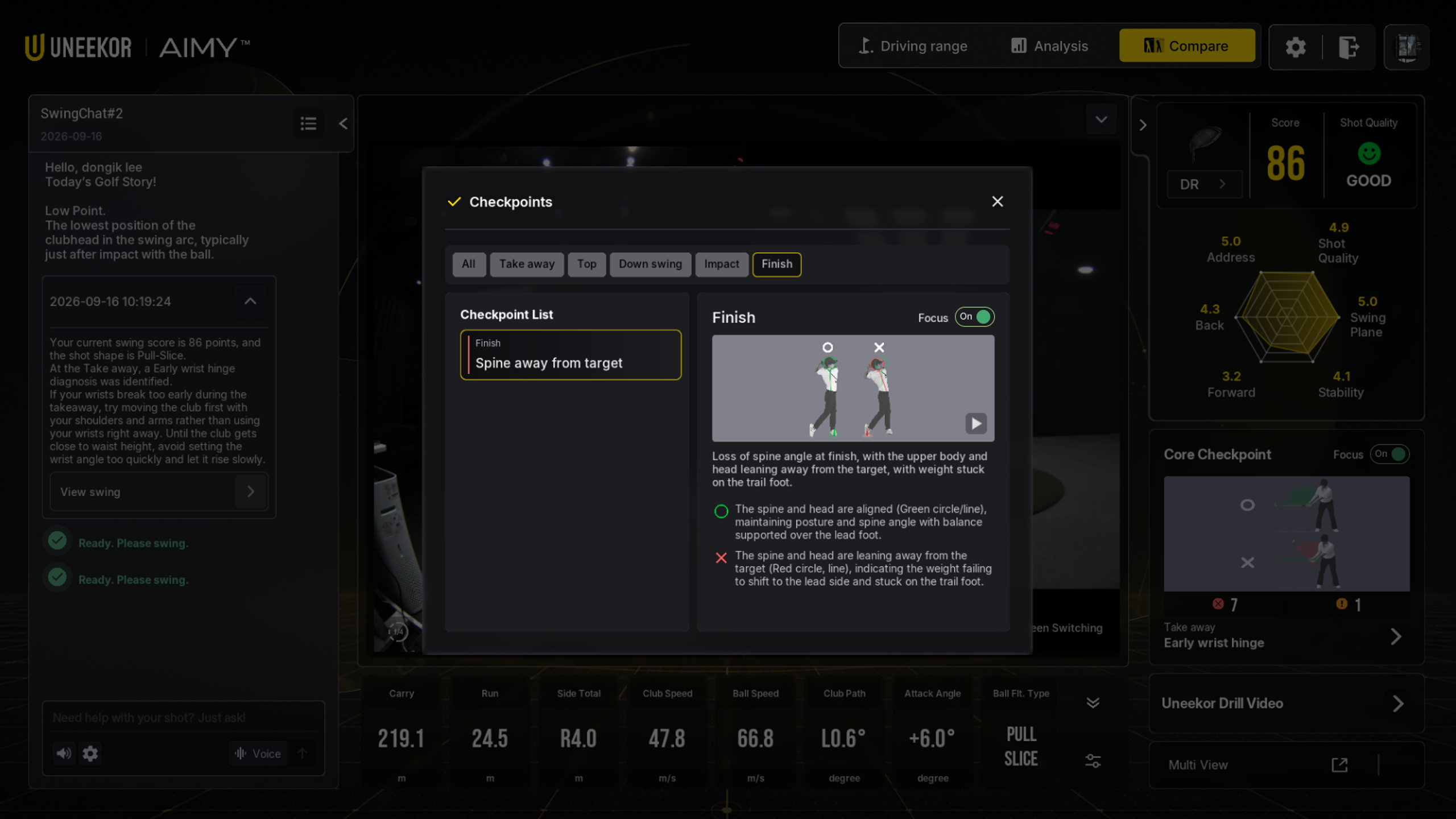
Focus Mode
Simply set a swing issue you want to overcome or a target diagnosis. In Focus Mode, AIMY instantly checks after every shot whether the selected diagnosis is detected or not.
No need to open complex analyses every time—easily and clearly verify if your targeted movement has been corrected to perfect your swing.
AIMY will continue to update new features in the future for your sophisticated swing.