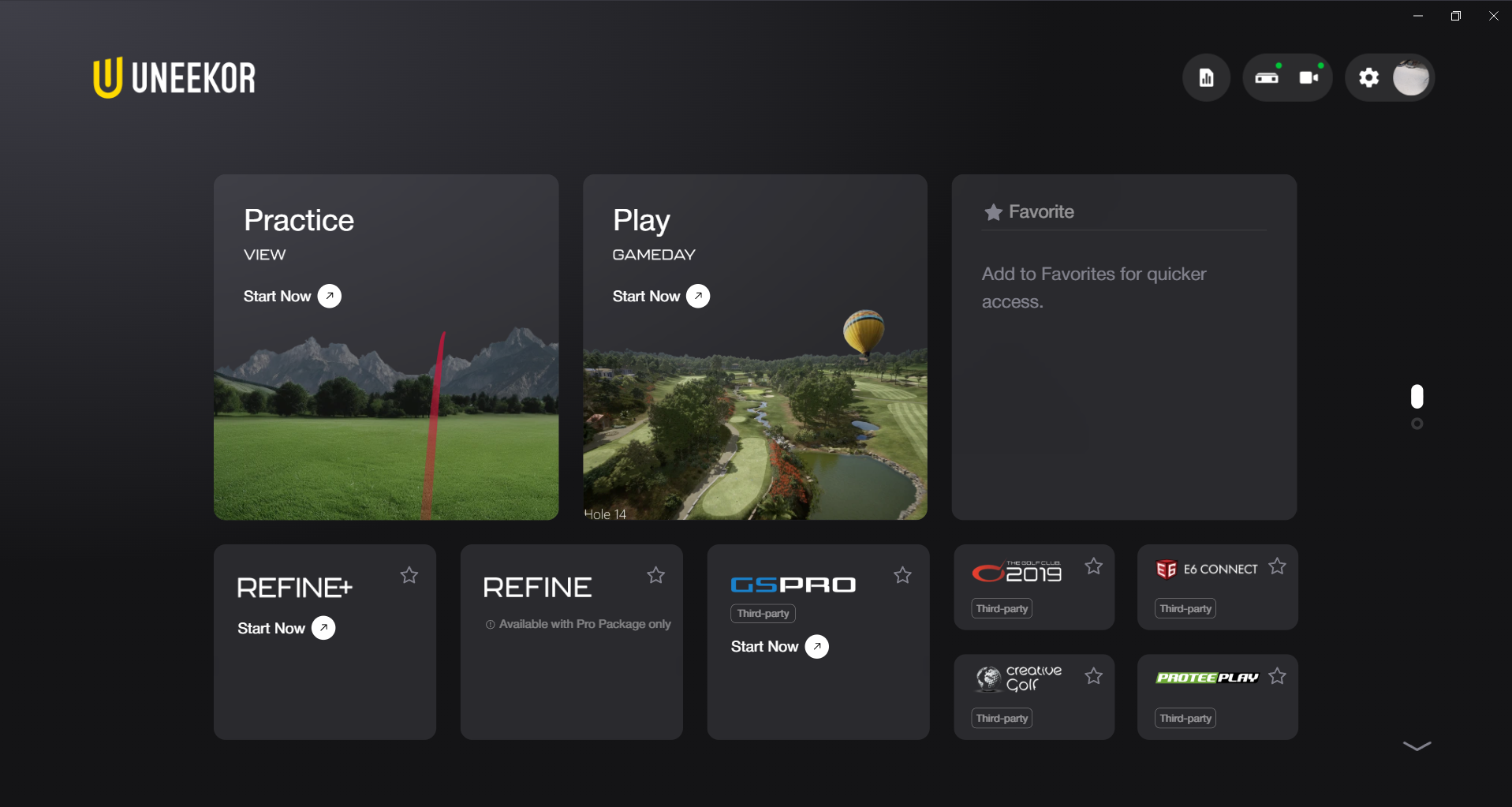
This Uneekor Launcher update addresses Home screen notification and button issues, introduces Club Optix automatic replays for Third-Party Connector, and brings critical calibration and connection fixes.
Home & Navigation Fixes
- Display Warnings & Tooltips: Resolved a false dual-display warning error for GameDay and fixed tooltip and badge issues on the Power U Report button.
- Button & Context Controls: Fixed an issue where the "Setup Required" button remained disabled unexpectedly, and added a quick "Exit" button to the context menu.
- Player Form Inputs: Corrected an input field issue within the nickname form on the Player screen.
Third-Party Connector Enhancements
- Club Optix Auto-Replay: Added automatic replay functionality for Club Optix within Third-Party Connector workflows.
- Data Units & ProTee Play: Resolved data unit calculation errors and fixed connection reliability issues with ProTee Play integrations.
Setup, Calibration & System Fixes
- Multi-Area Calibration: Fixed a visual display error where calibration boxes appeared incorrectly formatted across multi-area camera setups.
- Windows Taskbar: Resolved a taskbar icon display bug to ensure smooth minimize/restore functionality in Windows.