Technical Support
Get help troubleshooting your Uneekor hardware, software, memberships, installations, account issues, and technical questions.
Mon - Fri 8:00am - 8:00pm EST Sat - Sun 8:00am - 5:00pm EST
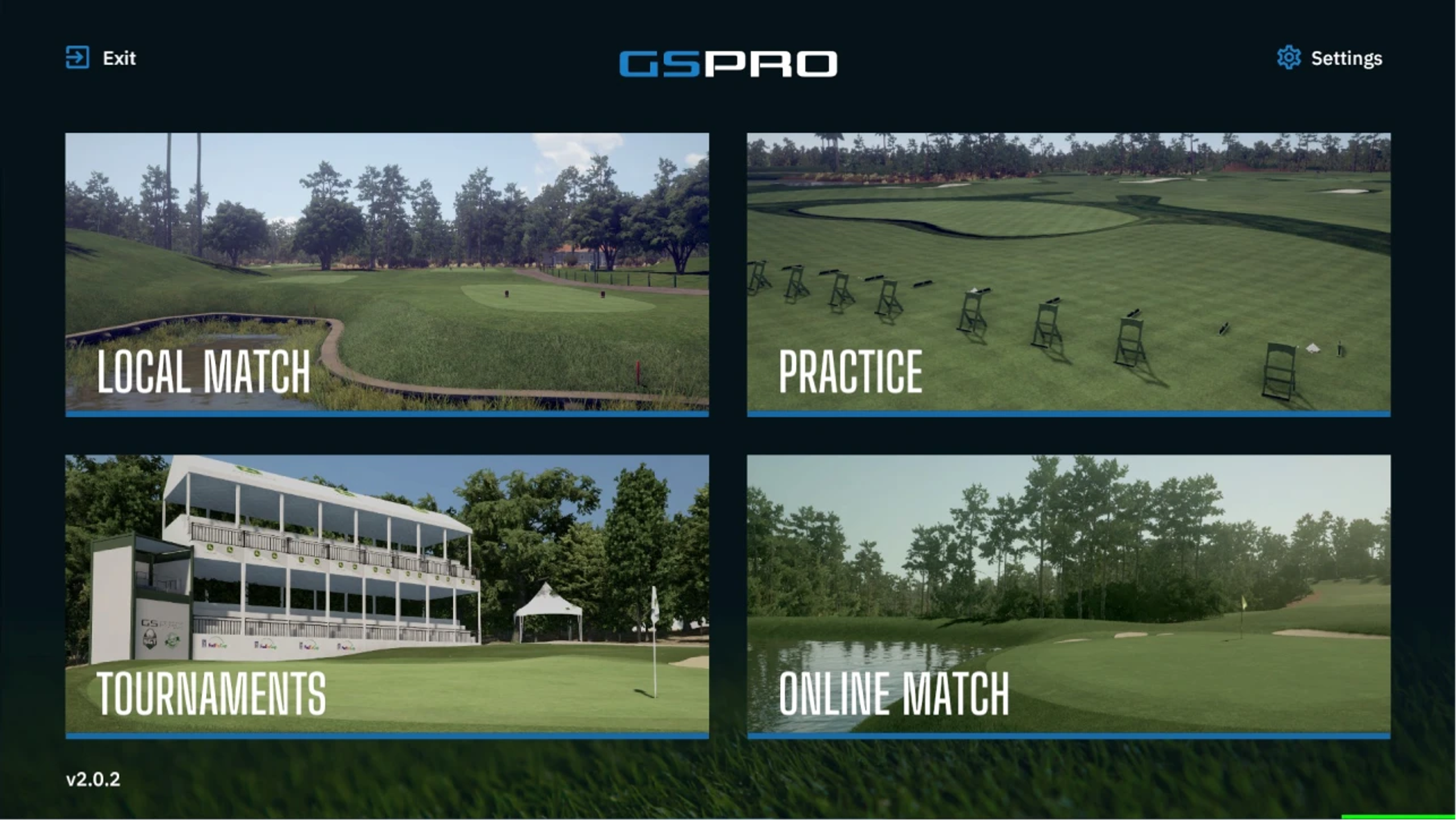
After your purchase of eligible products, you will be sent an automated email containing your exclusive GSPro promo code.
Simply copy the code from the email and use the provided link to activate your promotional benefits. You must use the link from the email; the purchase page on GSPro’s website does not work with the promo code.
Step 1 - Add Promotion Code
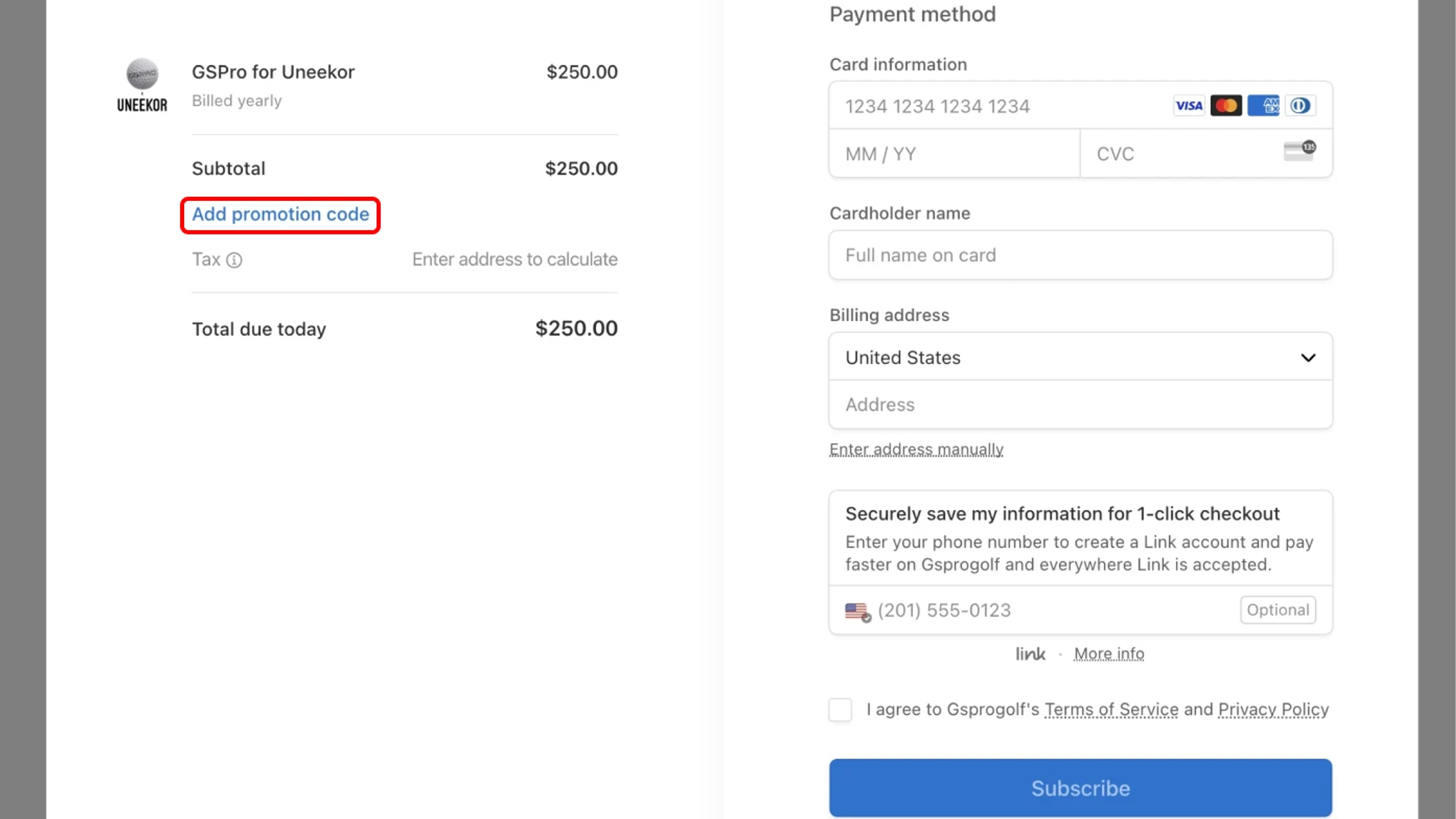
To apply your GSPro promo code, simply visit the GSPro purchase page, click on the “Add promotion code” and type in your code.
Step 2 - Complete Checkout
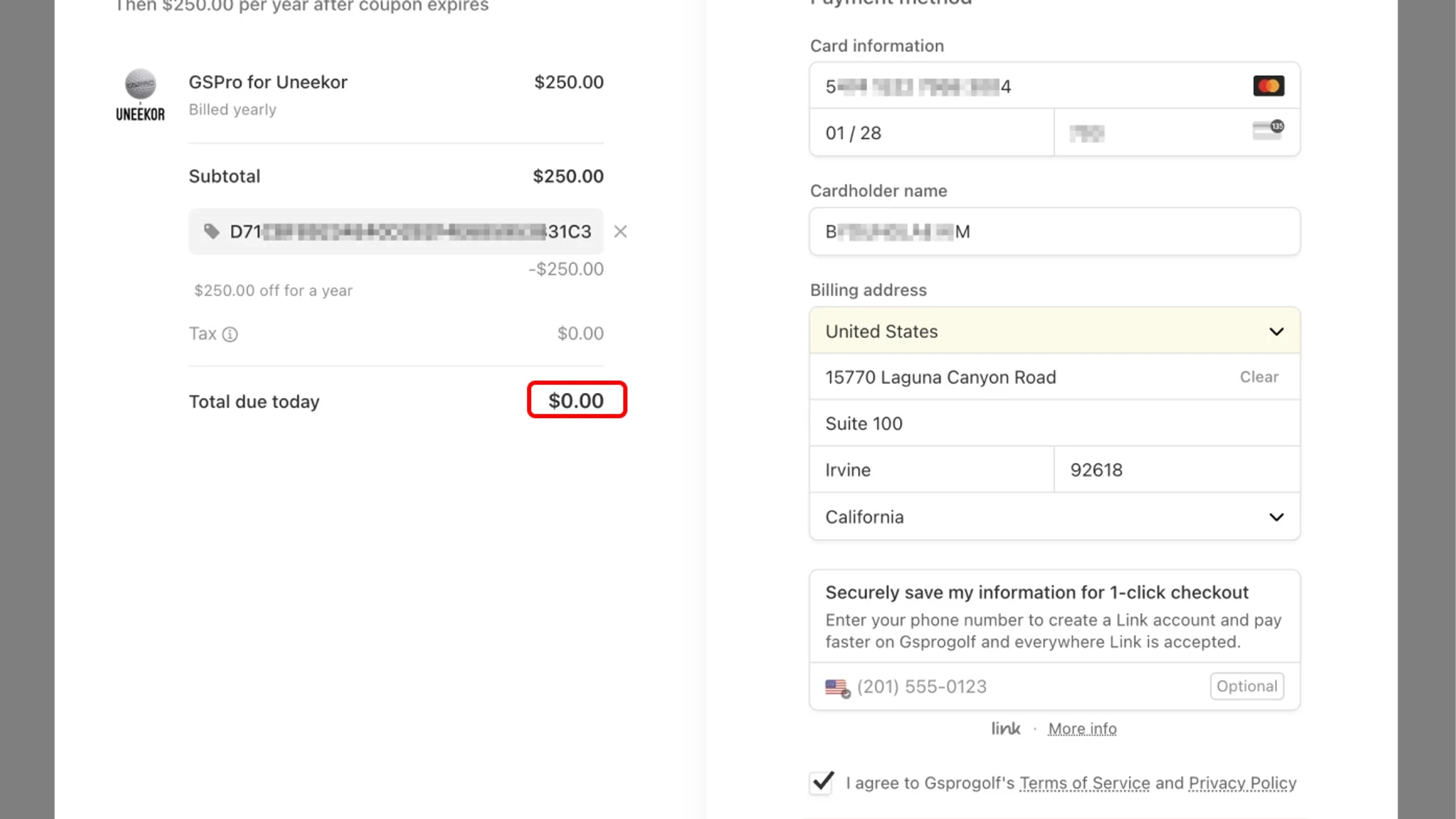
Proceed by entering your contact details and credit card information on the payment page.
You will see the promotion code applied.
Click or tap the “Subscribe” button.
Step 3 - GSPro Confirmation
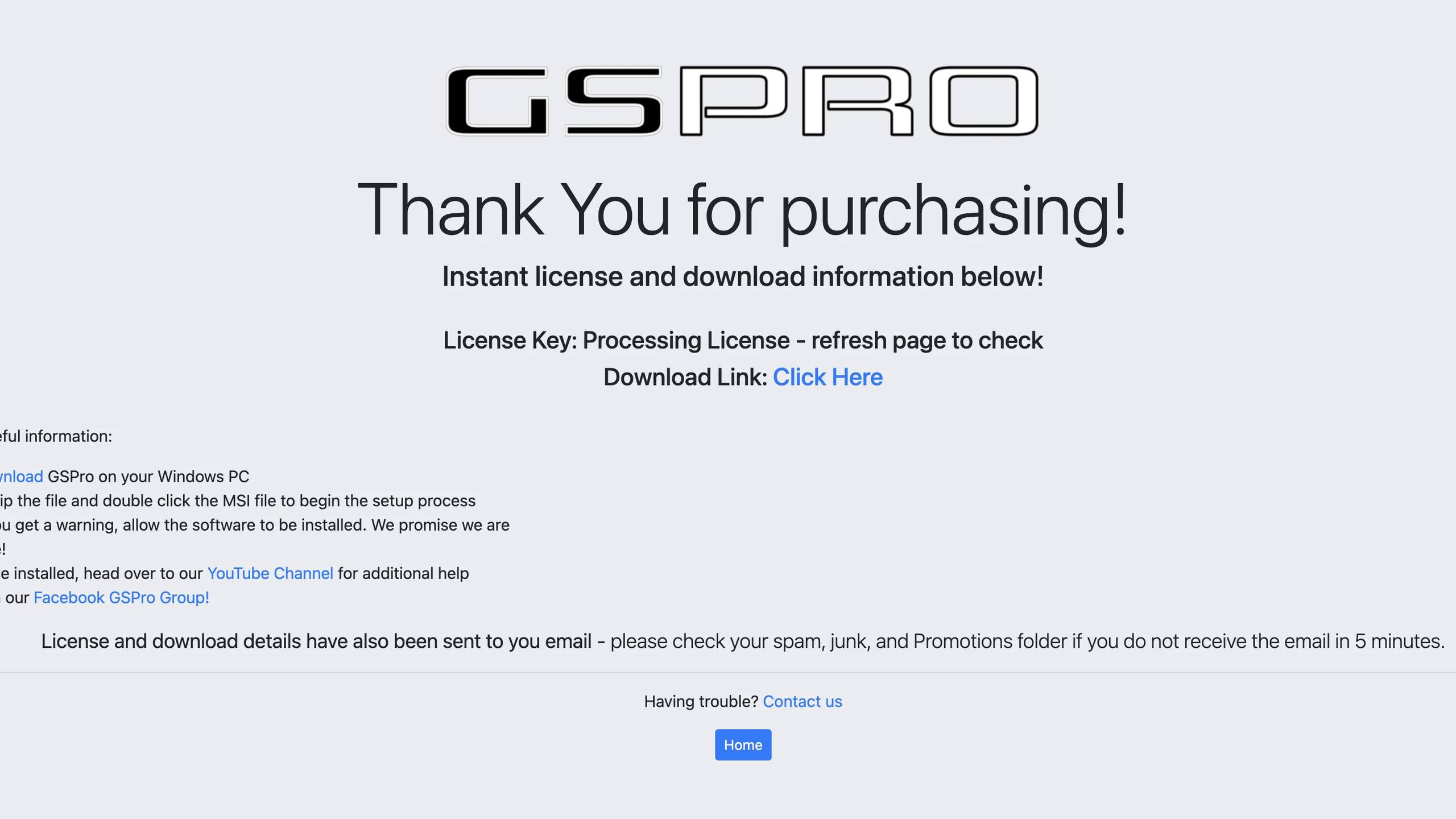
After checkout, you will be presented a confirmation screen with links to download GSPro, as well as quick instructions on how to install and activate the software.
Step 4 - Access your GSPro License Key
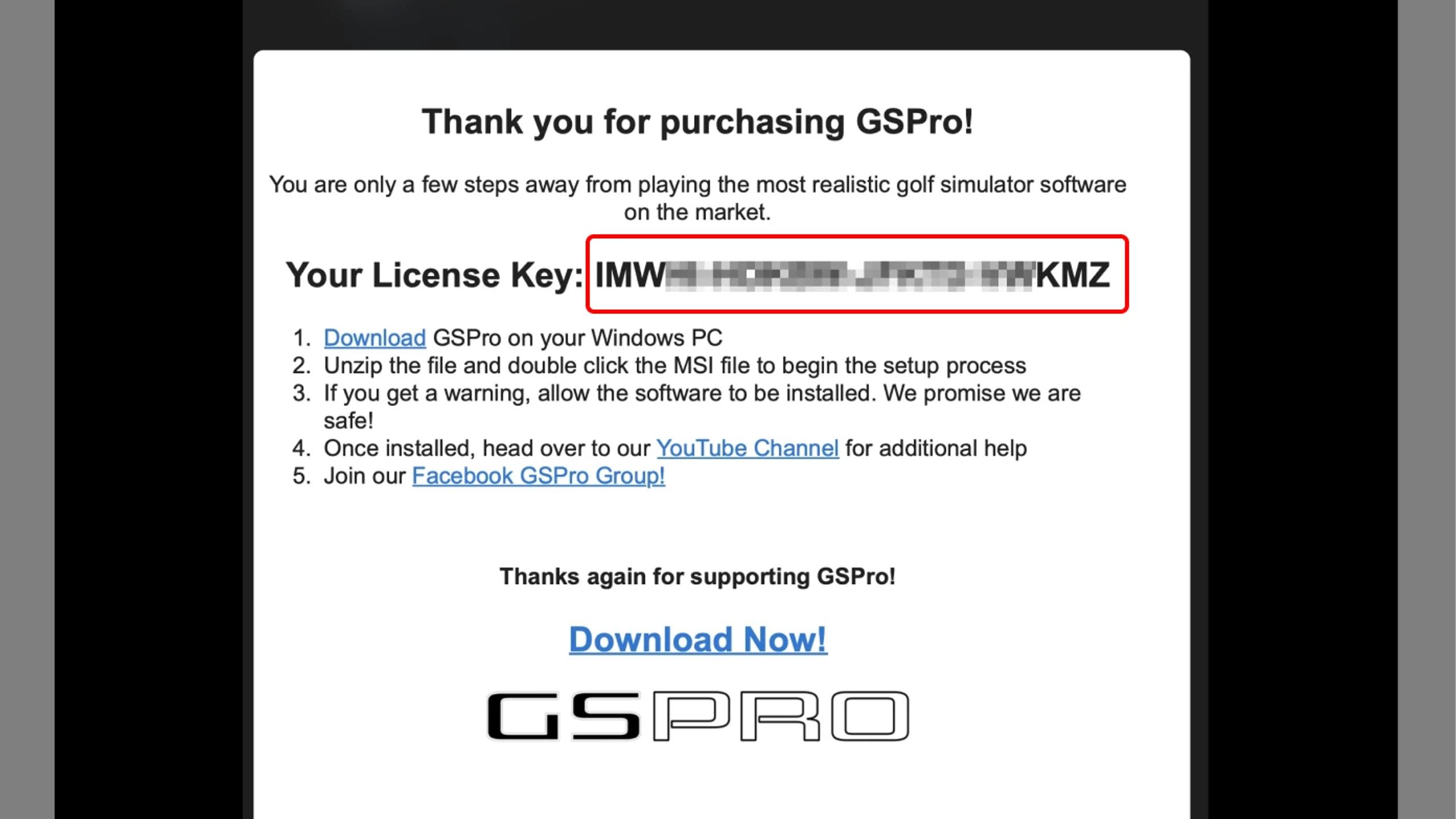
Look out for your confirmation email from support@gsprogolf.com, which will include your license key for GSPro.
Step 5 - Install and Activate
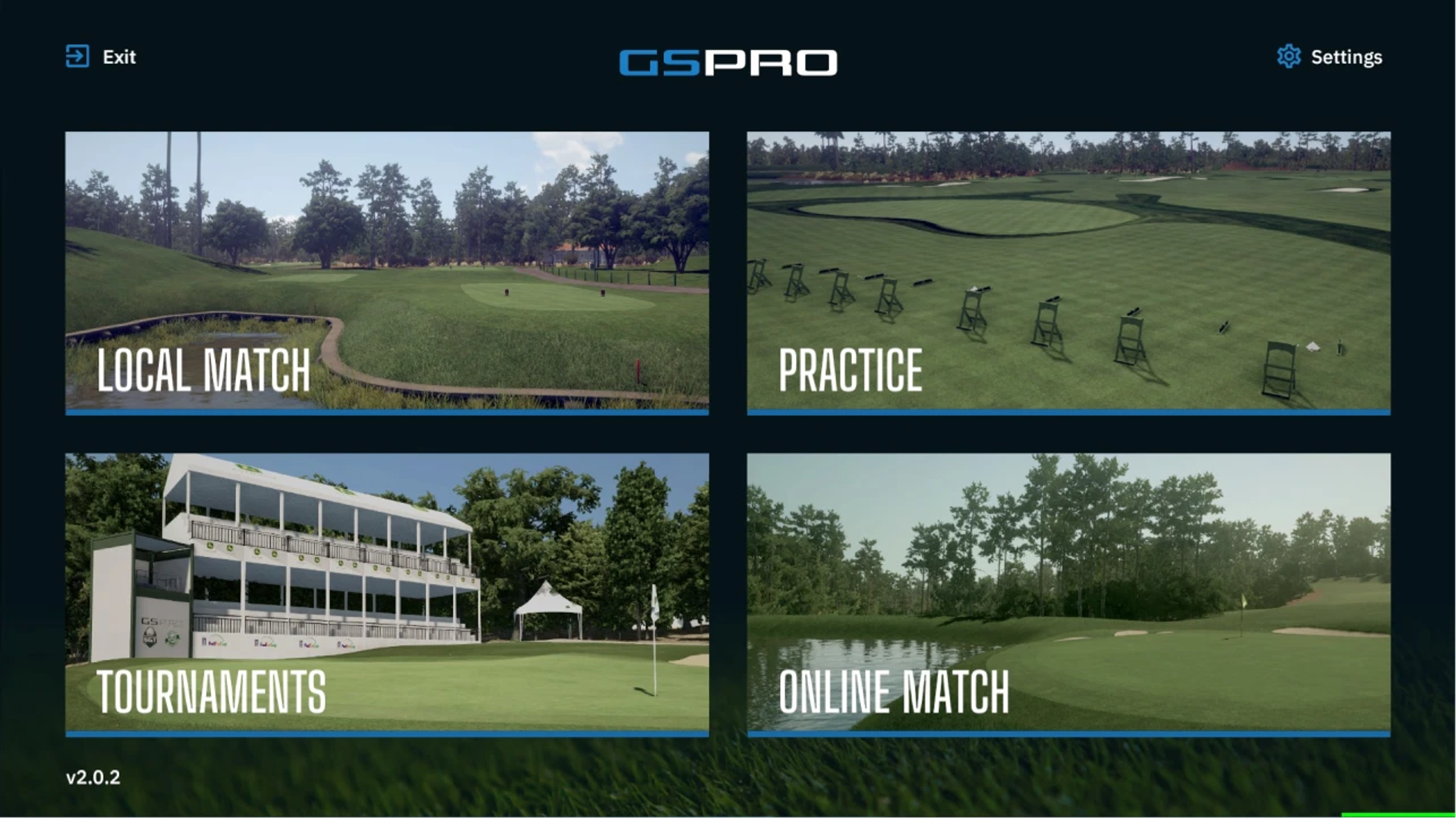
After installation, follow the on-screen instructions to enter the license key that was emailed to you.
If you have any questions during the installation or activation process, contact GSPro support for further assistance.
Cancellation or payment changes can be done from the GSPro subscription management page here.
Can’t find what you’re looking for and need help from our experts? Reach out to us any time using phone or email.
Get help troubleshooting your Uneekor hardware, software, memberships, installations, account issues, and technical questions.
Mon - Fri 8:00am - 8:00pm EST Sat - Sun 8:00am - 5:00pm EST
Need help with an order? Contact us about shipping, order status, returns, exchanges, cancellations, warranties, or payment questions.
Mon - Fri 10:00am - 8:00pm EST