Technical Support
Get help troubleshooting your Uneekor hardware, software, memberships, installations, account issues, and technical questions.
Mon - Fri 8:00am - 8:00pm EST Sat - Sun 8:00am - 5:00pm EST
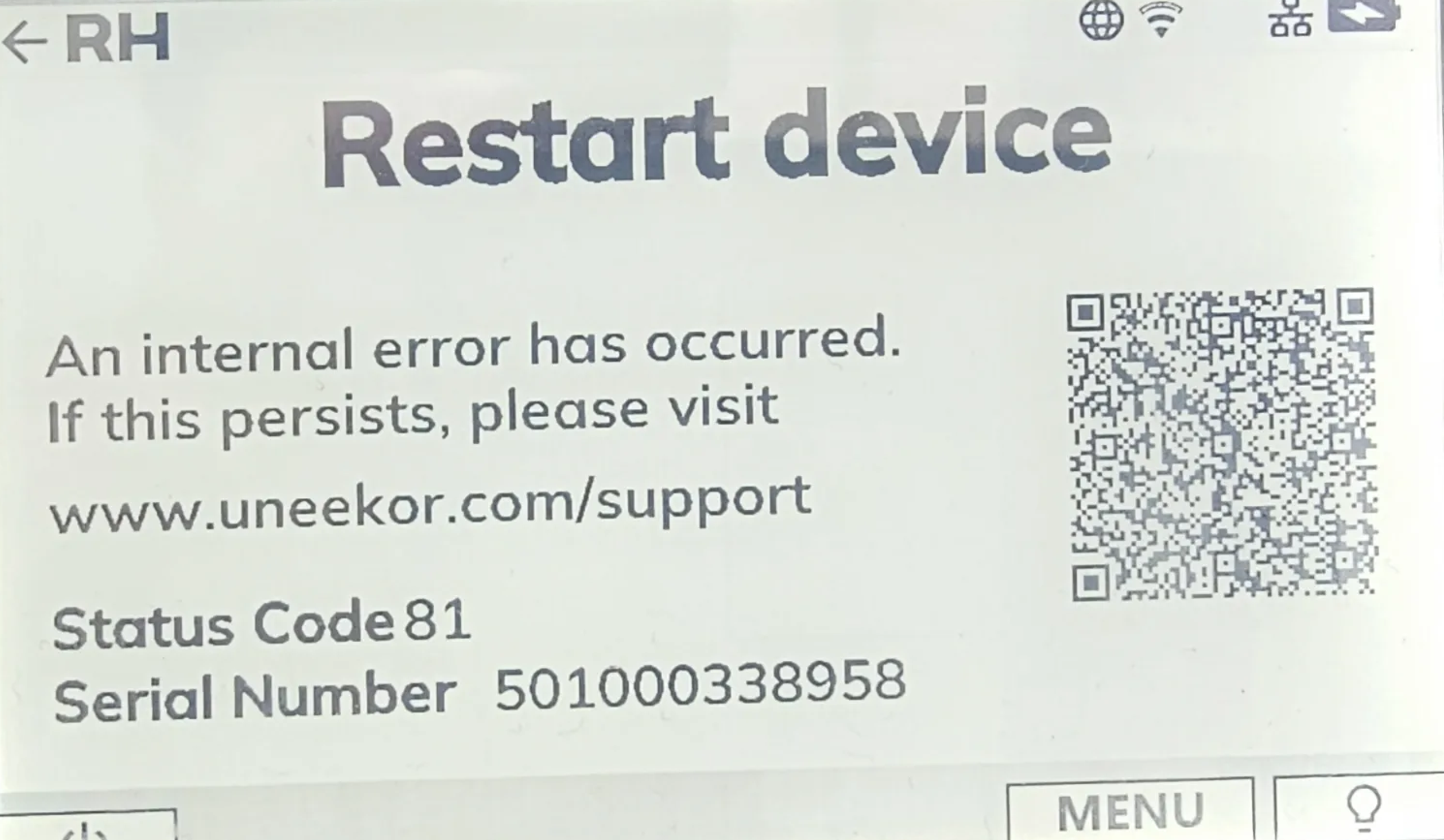
If your EYE MINI displays a Status Code between 82 and 98 or an Internal Hardware Error, the launch monitor has detected an internal device error.
Restart the EYE MINI using the power button. Allow the device to fully power down before turning it back on, then check the Status screen to determine whether the issue has cleared.
If the status code or error code returns after restarting the device, contact Uneekor Support and provide the specific code and your EYE MINI serial number so the issue can be investigated further.
82-98: 82, 83, 84, 85, 86, 87, 88, 89, 90, 91, 92, 93, 94, 95, 96, 97 & 98
Can’t find what you’re looking for and need help from our experts? Reach out to us any time using phone or email.
Get help troubleshooting your Uneekor hardware, software, memberships, installations, account issues, and technical questions.
Mon - Fri 8:00am - 8:00pm EST Sat - Sun 8:00am - 5:00pm EST
Need help with an order? Contact us about shipping, order status, returns, exchanges, cancellations, warranties, or payment questions.
Mon - Fri 10:00am - 8:00pm EST