Welcome to Uneekor! Tap here to shop our newest products.

Welcome to Uneekor! Tap here to shop our newest products.

Blog

Explore the world
 of Uneekor.

Discover latest news, hot tech tips and real-life experiences from golfers playing Uneekor.


Featured Article

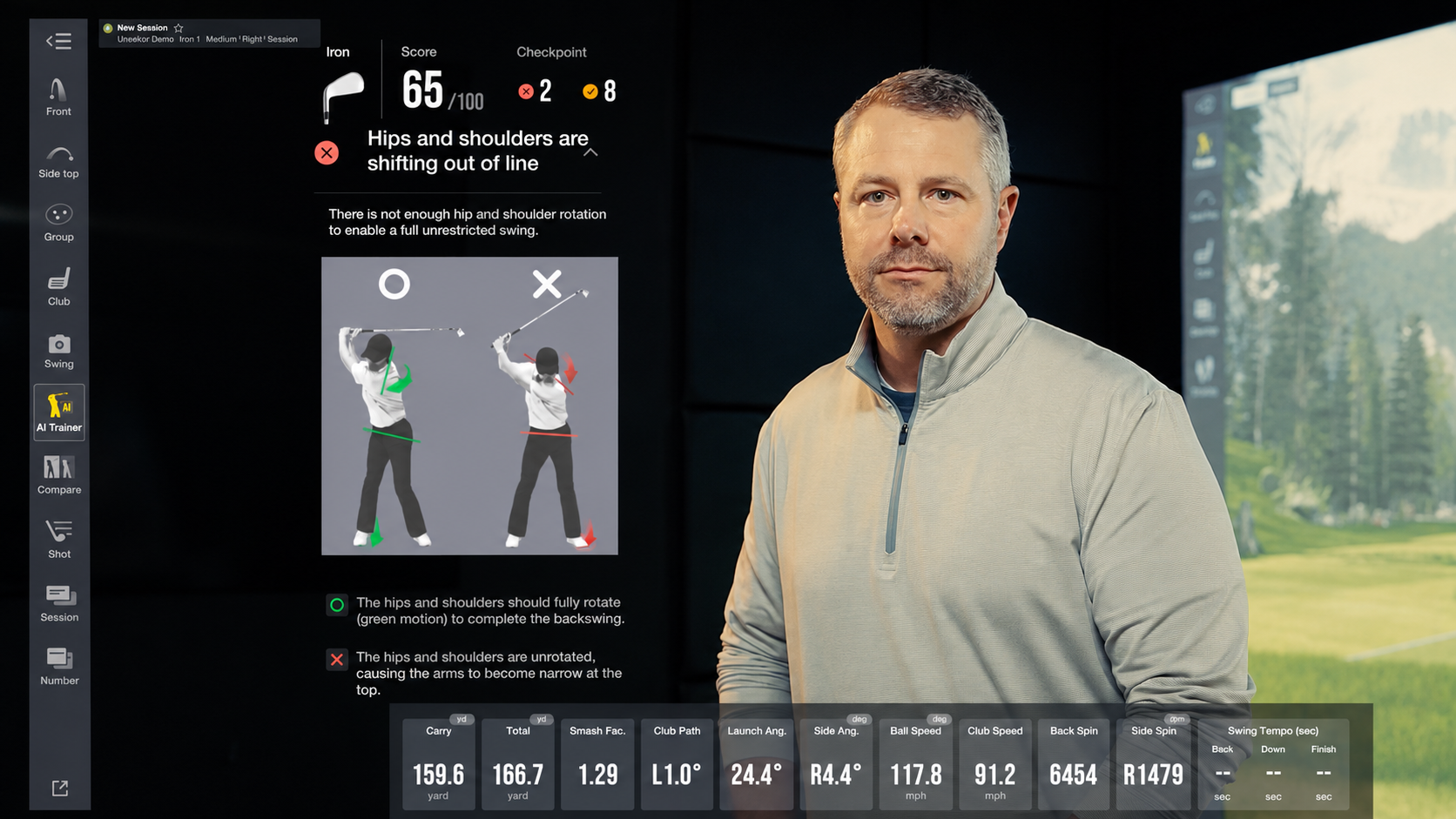
A man in a gray shirt stands next to a golf simulator screen displaying swing analysis data, including a "hips and shoulders out of line" error and a 65/100 score, with a digital golf course background.

Introducing the Uneekor AI Studio: One System. No Limits.

The Uneekor AI Studio is the complete indoor golf simulator system built around Uneekor's overhead launch monitor lineup: the EYE XR, EYE XO, and EYE XO2. Every AI Studio bundle pairs one of these three overhead units with Swing Optix® high-speed cameras, camera tripods, a full year of AI Trainer, and a 3-month trial of the Ultimate Package.


More Articles
The E6 logo, a red 3D cube with white letters, floats above a scenic golf course surrounded by mountains and trees.

Uneekor Launcher - Version 1.14.41

This Uneekor Launcher release fixes desktop shortcut icon behaviors, restores display and monitor configuration settings for VIEW, and enhances overall Third-party Connector precision and connection stability.

Aerial view of Pebble Beach golf course in GAMEDAY on a rugged coastline with a sandy bay and forested hills.

Best Virtual Golf Courses You Can Play

Owning a golf simulator grants access to some of the most iconic virtual golf courses, offering a deeply immersive experience that brings legendary locations right into your home. Uneekor is compatible with 3rd party software such as GSPro, E6, and TGC 2019.
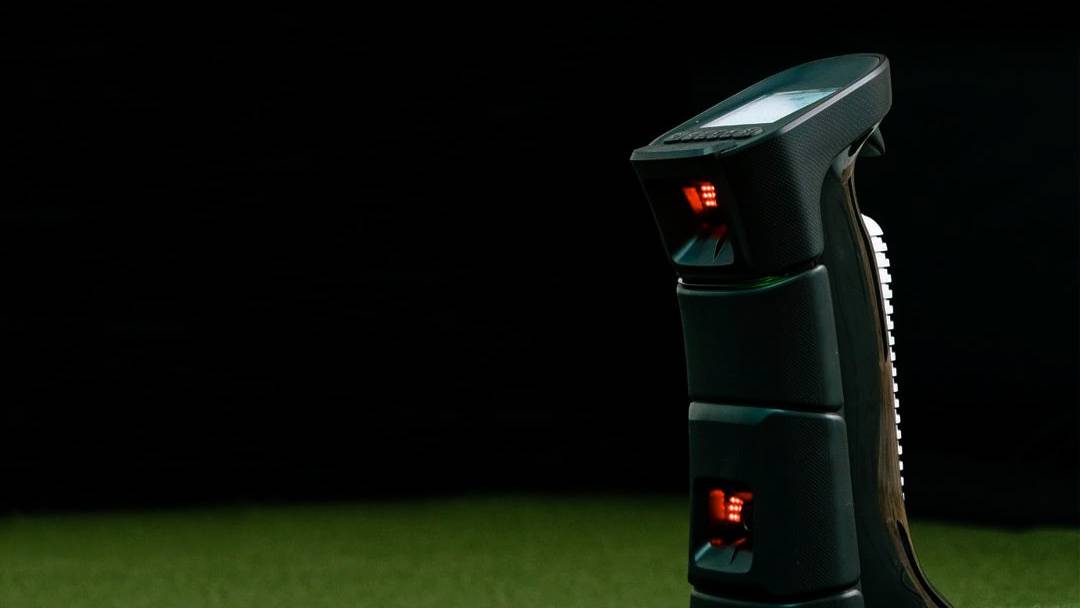
A dark UNIEQR golf launch monitor with red lights and a screen sits on green turf.

EYE MINI - Version 2.6.19

This EYE MINI firmware update delivers tracking accuracy enhancements for club speed, club path, and left-handed players, while resolving shot read reliability and Club Optix image delivery glitches.
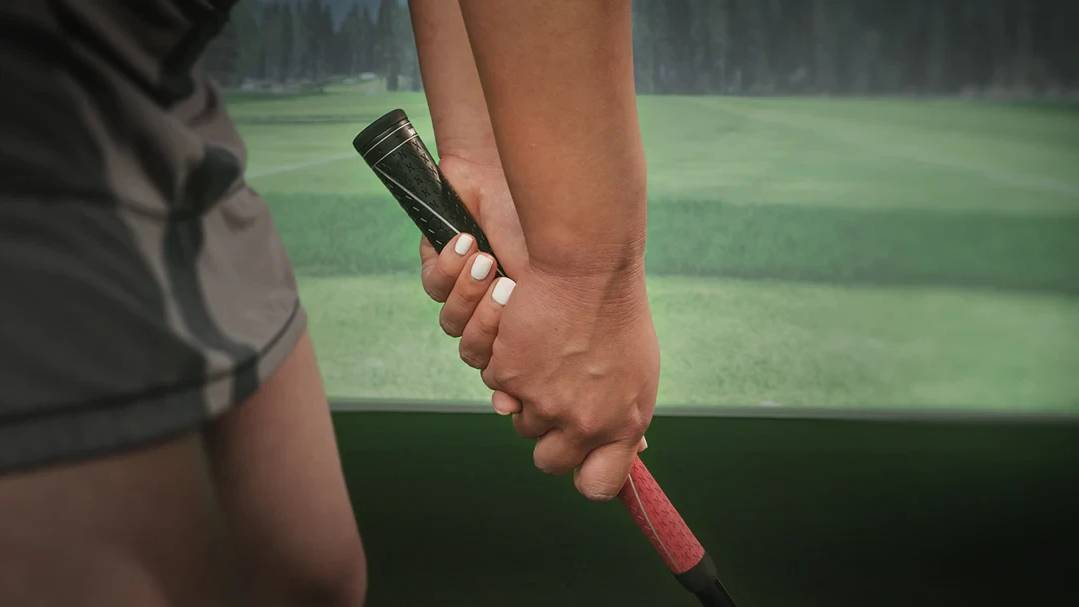
Close-up of hands gripping a golf club in a golf simulator.

How to Hold a Golf Club

The grip is the foundation of every shot. Learn the three basic grips, why grip matters, and step-by-step technique for right- and left-handed players.
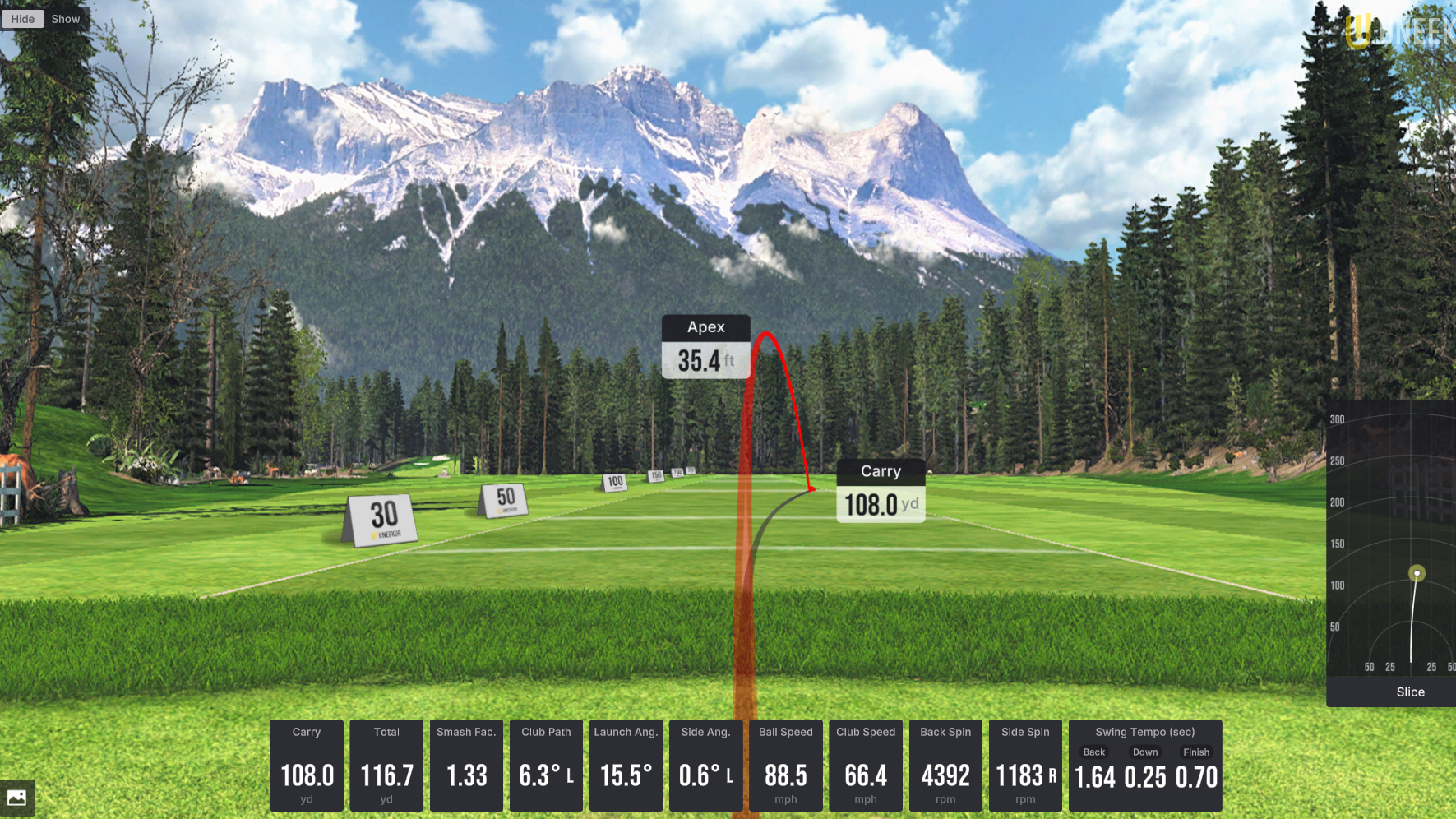
A golf simulator screen displays a virtual course, a red golf ball trajectory with "Apex 35.4 ft" and "Carry 108.0 ft", and various shot data including "Slice".

Understanding the Difference: Draw vs. Fade

A draw curves right-to-left and a fade left-to-right for right-handers. Learn the path, clubface, and benefits of each, and how to shape shots with Uneekor simulators.

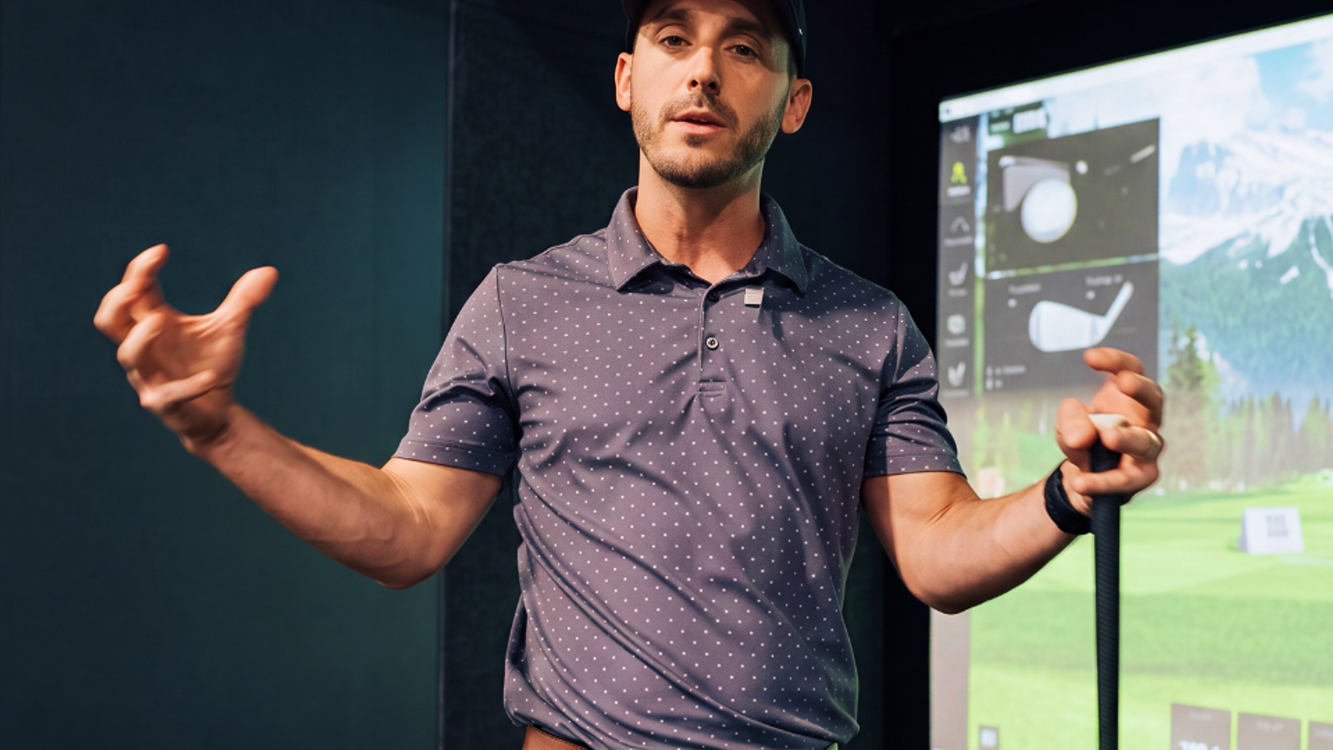
A man in a golf simulator, wearing a cap and polo shirt, holds a golf club and gestures, with a virtual golf course displayed behind him.

How to Calculate Your Golf Handicap

Calculating your golf handicap gives you a benchmark for your ability and a fair way to compete. Here's how to record scores, calculate differentials, and find your handicap index.