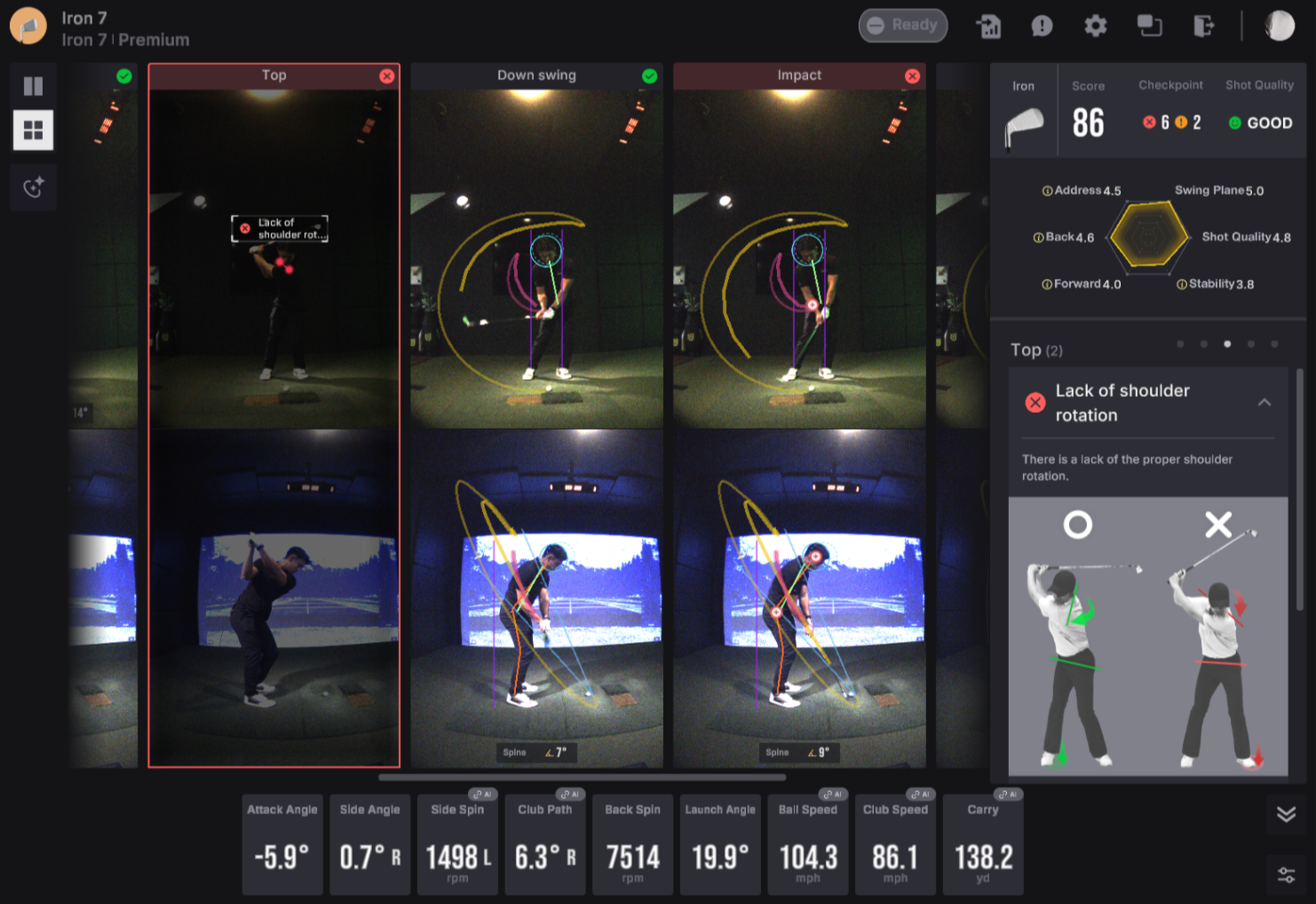
This Uneekor Launcher update introduces multi-language support, improved device status feedback, third-party connector optimizations, and setup enhancements.
System Performance & Display Enhancements
We've significantly optimized overall display performance when loading large numbers of shots within a session, alongside improvements to font rendering quality for crisp, clean text throughout the interface. High-resolution monitor support has also been refined, resolving radar chart scaling issues on higher-density screens.
Security, Account & UX Refinements
Account workflows and security detection have been strengthened:
- Account Security: Improved login UX to prevent users from attempting to log in to another user’s profile by modifying email details during expired account sessions.
- Security Compatibility: Resolved false positive detection issues with Windows Security.
- Auto-Hide Control: Setting the shot auto-hide value to
0now completely disables the auto-hide feature, and underlying shot auto-hide errors have been fixed.
AI Trainer & View Improvements
- AI Trainer Access: Fixed an issue where accounts without an active AI license could open an inactive AI Trainer menu after deleting sessions containing bookmarked shots.
- Error Messaging & Tooltips: Corrected translation errors in AI tooltips and updated swing analysis error messages to provide clearer, more intuitive feedback.
- Tab Controls & UI Fixes: Fixed the "Last One" button error in the Front tab, resolved an issue preventing Balance Optix from being disabled in the Swing tab, corrected the "Select All" checkbox reflection in the side bar, un-hid the OK button when offset settings are applied, and fixed text label errors on the Swing Optix toggle switch.