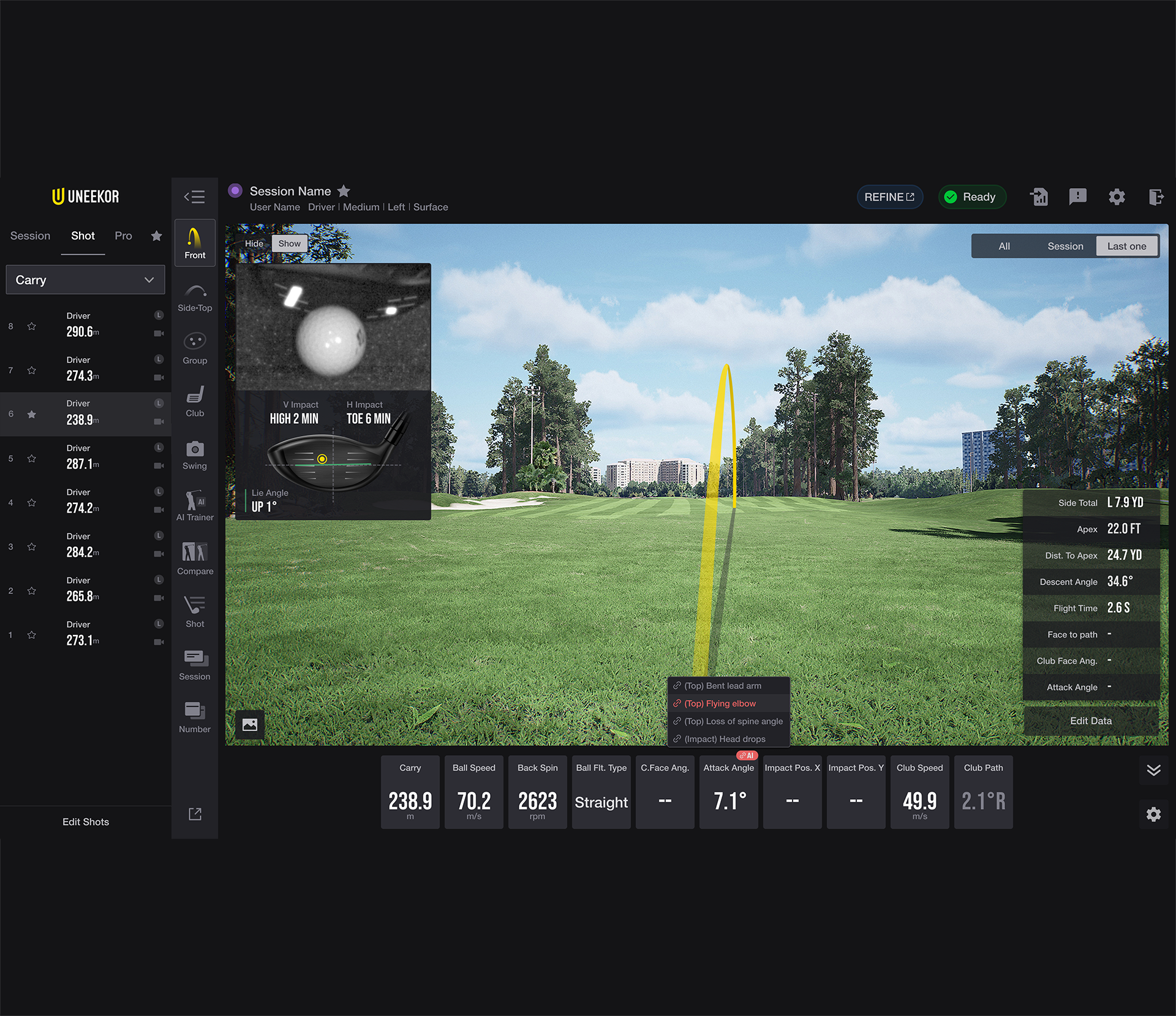
This VIEW software update optimizes AI Trainer performance and processing speeds, refines its user interface, and adds an option to disable AI features to conserve system resources during third-party simulation play.
AI Trainer Enhancements
- Performance & Speed Optimizations: Boosted underlying processing algorithms within AI Trainer to deliver faster swing analysis, quicker video frame renders, and lower system latency.
- UI Refinement: Updated the AI Trainer interface layout and visual controls for improved usability and clearer metric visibility.
System & Performance Settings
- Resource Optimization Toggle: Added an option within the settings menu to disable AI processing features. This allows users to free up CPU/GPU resources and ensure maximum performance when running resource-intensive third-party simulation games alongside VIEW.
Hardware Requirement Note: AI features are currently in a public trial period and require connected Swing Optix high-speed cameras to capture video feeds for AI processing.