Fall Savings Are Here: Save over $6,000 on the EYE XO2 SIMKIT® | Shop Now!

Fall Savings Are Here: Save over $6,000 on the EYE XO2 SIMKIT® | Shop Now!

Blog

Explore the world
 of Uneekor.

Discover latest news, hot tech tips and real-life experiences from golfers playing Uneekor.


Featured Article

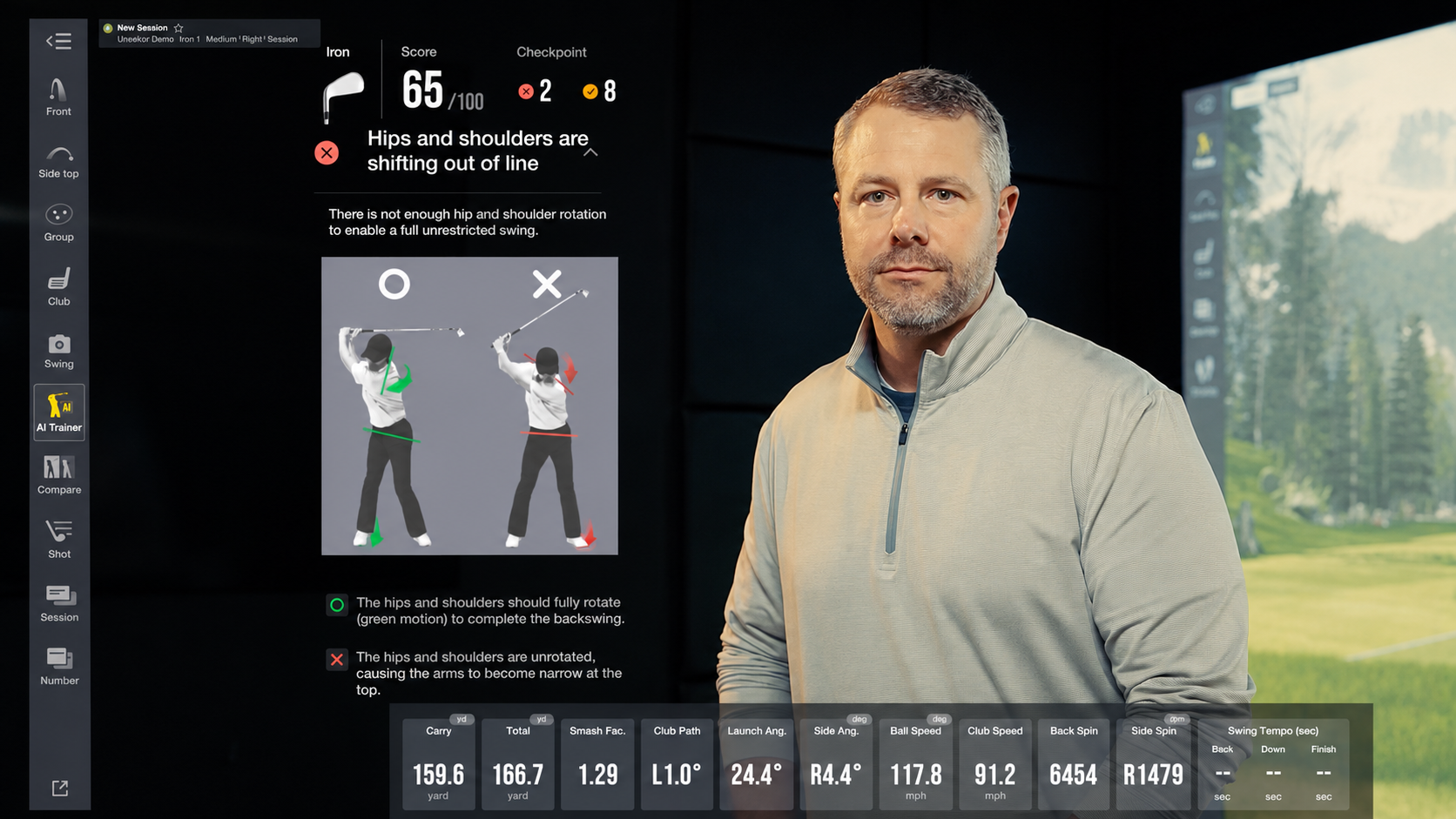
A man in a gray shirt stands next to a golf simulator screen displaying swing analysis data, including a "hips and shoulders out of line" error and a 65/100 score, with a digital golf course background.

Introducing the Uneekor AI Studio: One System. No Limits.

The Uneekor AI Studio is the complete indoor golf simulator system built around Uneekor's overhead launch monitor lineup: the EYE XR, EYE XO, and EYE XO2. Every AI Studio bundle pairs one of these three overhead units with Swing Optix® high-speed cameras, camera tripods, a full year of AI Trainer, and a 3-month trial of the Ultimate Package.


More Articles
The E6 logo, a red 3D cube with white letters, floats above a scenic golf course surrounded by mountains and trees.

Uneekor Launcher - Version 1.14.41

This Uneekor Launcher release fixes desktop shortcut icon behaviors, restores display and monitor configuration settings for VIEW, and enhances overall Third-party Connector precision and connection stability.

Aerial view of Pebble Beach golf course in GAMEDAY on a rugged coastline with a sandy bay and forested hills.

Best Virtual Golf Courses You Can Play

Owning a golf simulator grants access to some of the most iconic virtual golf courses, offering a deeply immersive experience that brings legendary locations right into your home. Uneekor is compatible with 3rd party software such as GSPro, E6, and TGC 2019.
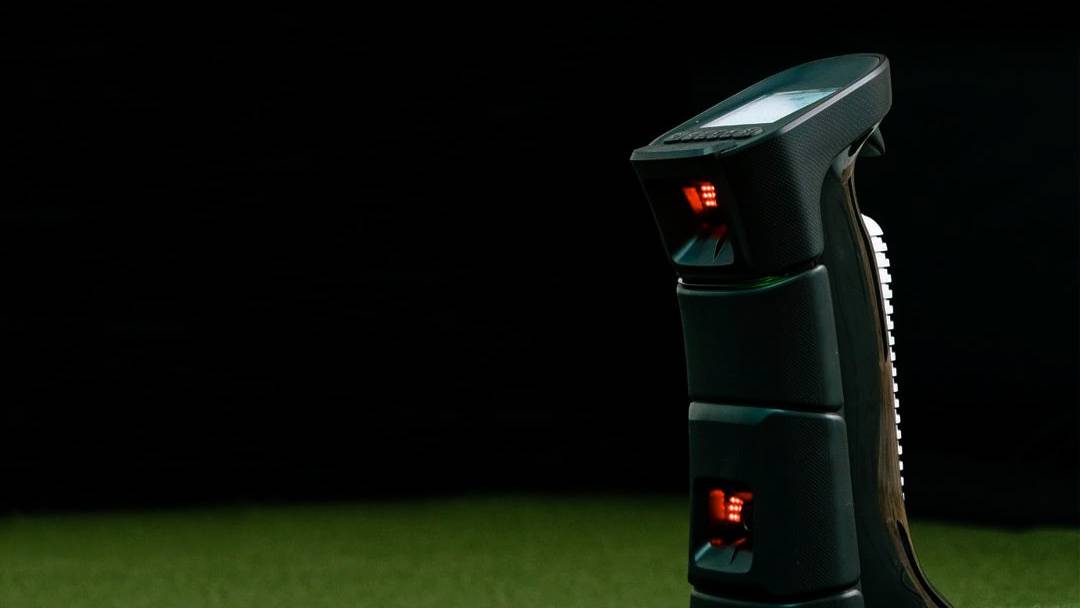
A dark UNIEQR golf launch monitor with red lights and a screen sits on green turf.

EYE MINI - Version 2.6.19

This EYE MINI firmware update delivers tracking accuracy enhancements for club speed, club path, and left-handed players, while resolving shot read reliability and Club Optix image delivery glitches.
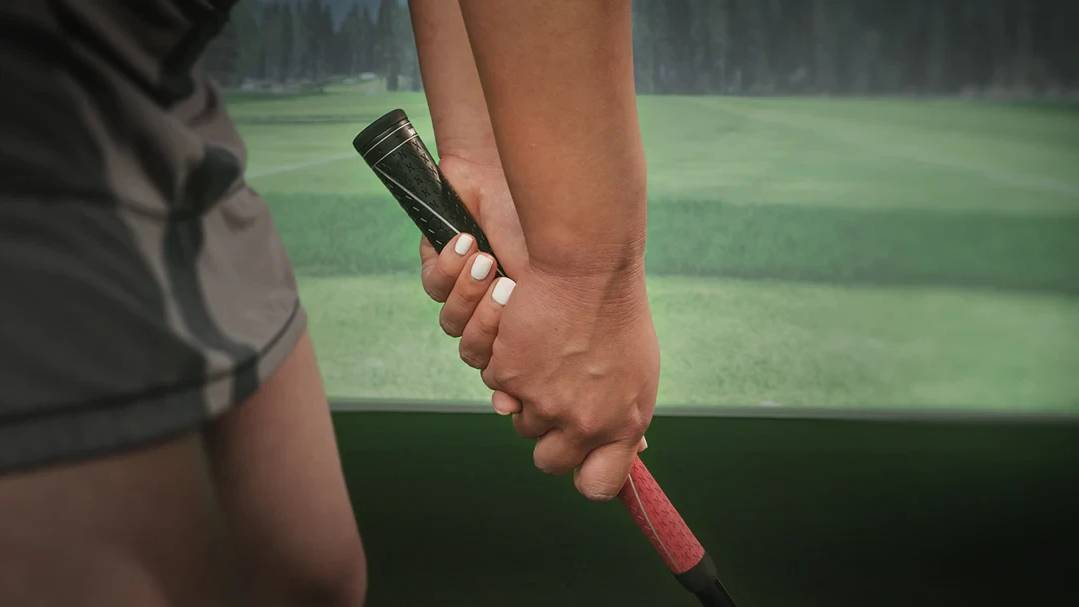
Close-up of hands gripping a golf club in a golf simulator.

How to Hold a Golf Club

The grip is the foundation of every shot. Learn the three basic grips, why grip matters, and step-by-step technique for right- and left-handed players.
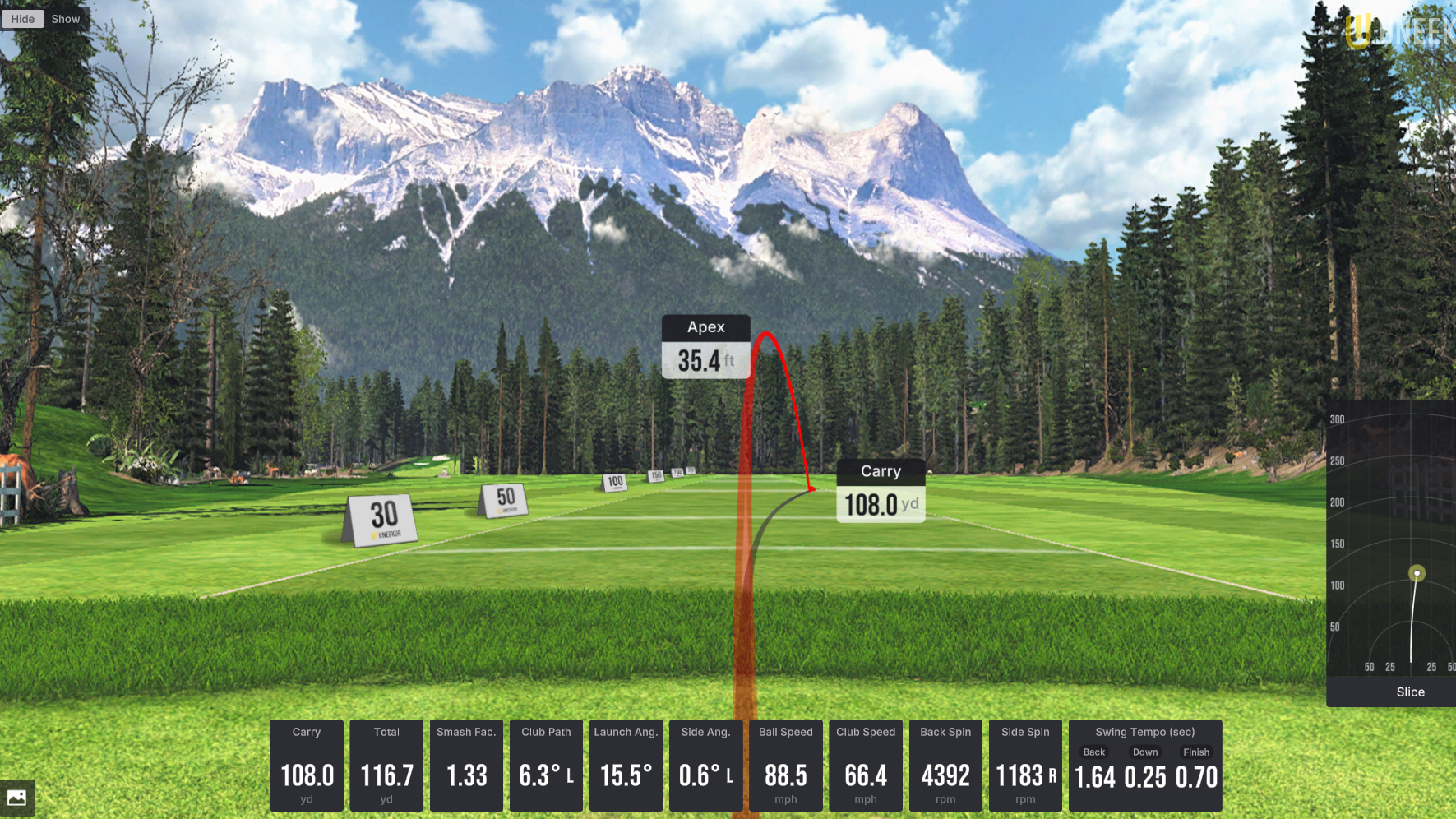
A golf simulator screen displays a virtual course, a red golf ball trajectory with "Apex 35.4 ft" and "Carry 108.0 ft", and various shot data including "Slice".

Understanding the Difference: Draw vs. Fade

A draw curves right-to-left and a fade left-to-right for right-handers. Learn the path, clubface, and benefits of each, and how to shape shots with Uneekor simulators.

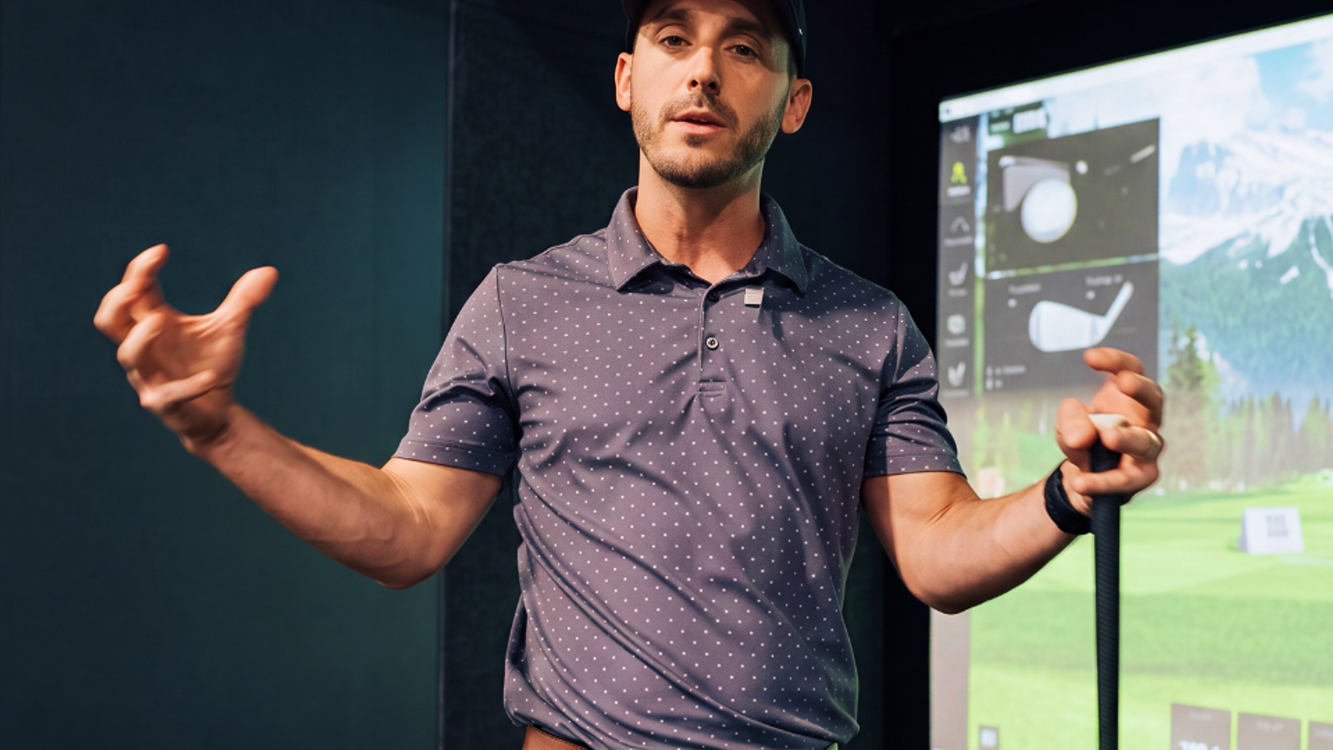
A man in a golf simulator, wearing a cap and polo shirt, holds a golf club and gestures, with a virtual golf course displayed behind him.

How to Calculate Your Golf Handicap

Calculating your golf handicap gives you a benchmark for your ability and a fair way to compete. Here's how to record scores, calculate differentials, and find your handicap index.