テクニカルサポート
Uneekorのハードウェア、ソフトウェア、メンバーシップ、インストール、アカウントの問題、技術的なご質問に関するトラブルシューティングのサポートをご利用いただけます。
月~金 午前8:00~午後8:00(米国東部標準時) 土~日 午前8:00~午後5:00(米国東部標準時)
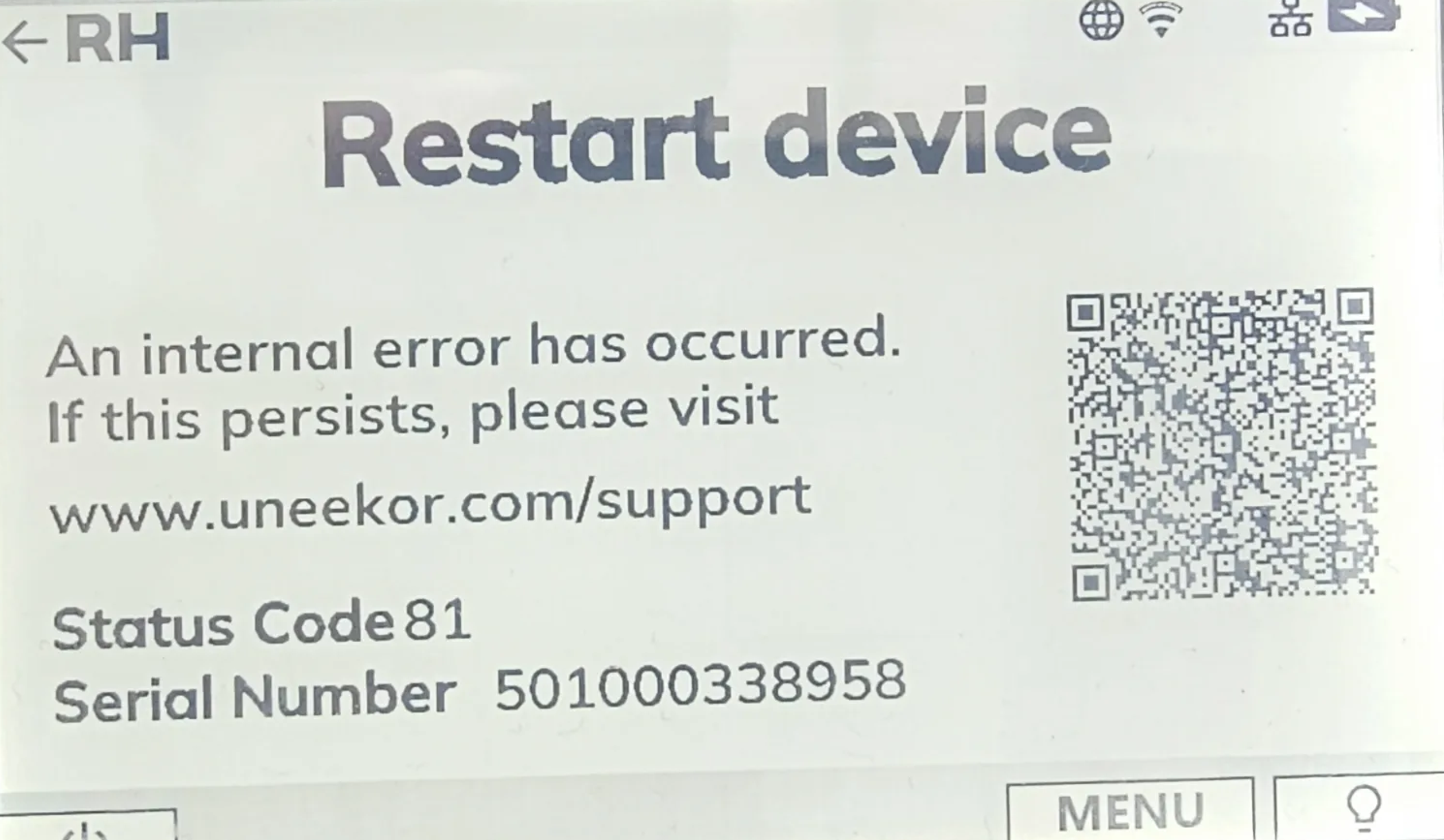
If your EYE MINI displays Status Code 81, FPGA/CAM Error, or CAM/IR Broken, the device has detected an internal error.
Restart the EYE MINI using the power button. Allow the device to completely power down before turning it back on and checking the status again.
If the status code or error code remains after restarting the EYE MINI, contact Uneekor Support for further assistance.
お探しの情報が見つからず、専門スタッフのサポートが必要ですか?お電話またはメールでいつでもお問い合わせください。
Uneekorのハードウェア、ソフトウェア、メンバーシップ、インストール、アカウントの問題、技術的なご質問に関するトラブルシューティングのサポートをご利用いただけます。
月~金 午前8:00~午後8:00(米国東部標準時) 土~日 午前8:00~午後5:00(米国東部標準時)
ご注文についてお困りですか?配送、注文状況、返品、交換、キャンセル、保証、お支払いに関するご質問は、当社までお問い合わせください。
月~金 午前10:00~午後8:00(米国東部標準時)