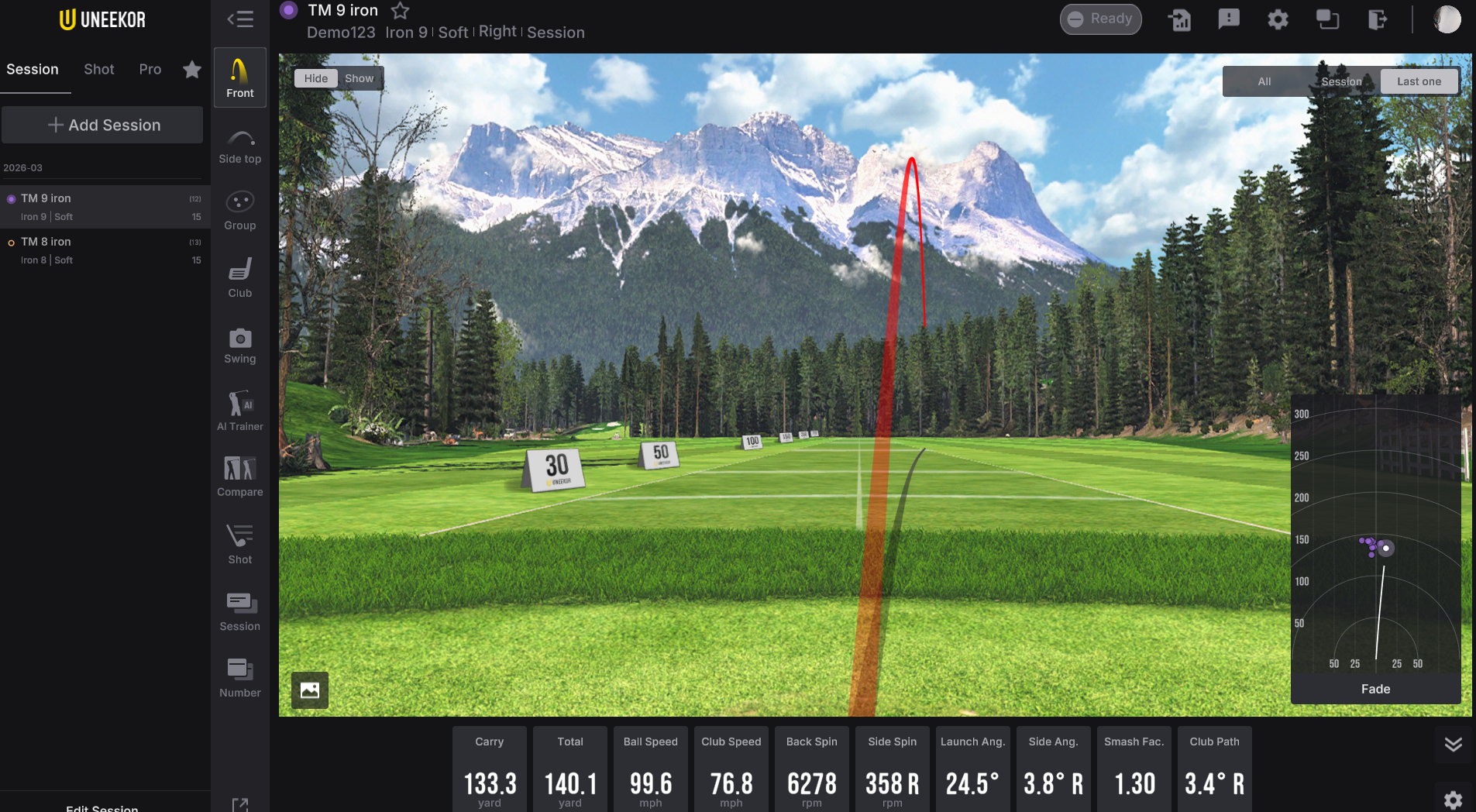
This software update introduces usability enhancements across camera controls, swing tracing, session management, and UI navigation, alongside comprehensive bug fixes for video playback, AI analysis, and third-party integrations.
Swing & Camera Tools
We’ve improved camera settings by introducing direct numerical value inputs and instant resolution updates upon selection. Drawing tools have been updated with a precise straight-line angle tool and customizable swing tracer thickness. Additionally, we fixed camera memory leaks during webcam flipping, tracer display glitches, and unexpected tracer behavior across restarts.
Session & Group Navigation
Managing sessions is now cleaner and more flexible. Session names are now capped at 30 characters upon creation, long session names no longer overlap text, and group filters now include a convenient select all/deselect all toggle. Moving shots across sessions is smoother, with real-time session updates, localized action buttons, and accurate shot counts and maximum values.
AI Trainer & Analysis Improvements
AI features now provide clearer guidance and actionable troubleshooting steps when videos are missing or analysis fails. We’ve resolved connection errors when toggling AI features, fixed infinite loading caused by rapid succession shots, and corrected improper report generation on unsupported clubs.
Data & Visual Accuracy
Trajectory straightness criteria have been adjusted to a 2-degree threshold, and data guide units now automatically follow your preferred configuration. Trajectory line ghosting on front and group screens has been eliminated, club images no longer overflow UI boundaries, and Swing Tempo values now reliably render on initial entry.
Platform & Third-Party Integration
- Multi-View & UI: The Multi View activation button has been moved to the top navigation bar for easier access, and Club Optix video controls now include a stop button.
- Feedback System: The feedback body now supports up to 1,000 characters with an updated "General Support" category, and input fields now correctly handle contact details.
- GSPro: Fixed an issue where hybrid clubs were misidentified as a 7-iron.
- TGC 2019: Added automated recovery and calibration logic for JSON data parsing to prevent connection drops.