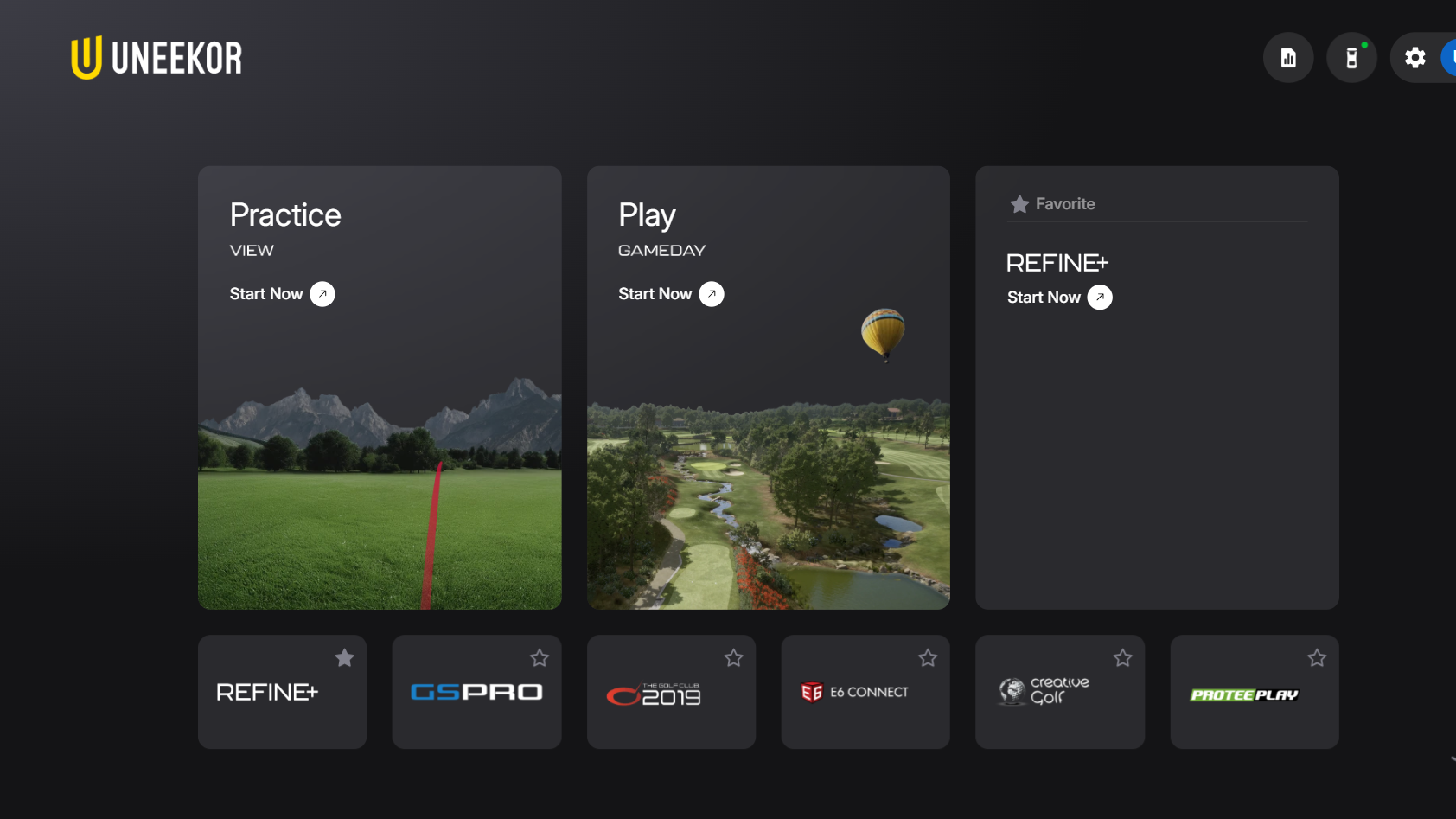
Succeed is now Refine+. Discover the latest updates to Uneekor's Refine and Refine+ software, including a new Quick Mode with six curated practice modules and a new Shot Data reference library.
Just like you, at Uneekor we strive to continually evolve. We stay ahead and challenge the status quo with the most cutting-edge technology.
When it comes to golf simulators, every little detail counts. Slight, key enhancements make a big difference when creating a state-of-the-art simulation experience.
Constant improvement during practice is paramount to take you to the next level, and so we are excited to announce that we have improved and updated our popular Refine and Succeed golf simulation software with exciting features and tools that will help you advance your game!
Available in late June, the Refine and Succeed software was first introduced in 2019 and built as the ultimate golf training software when used with a Uneekor overhead launch monitor system like the QED and EYE XO.
This latest update, which follows many previous ones, keeps proving that Uneekor is fully committed to helping users improve their golfing skills by constantly innovating, breaking paradigms, and developing the sharpest tools to sharpen your game. Why? Because we know that the best training experience at home will propel the best version of your game on the course - no doubt about it. Now let's dive in and discover more about this new, exciting leading-edge software.
Succeed is now Refine+

A great product deserves a great name! Succeed is now transitioning to Refine+. This simple but precise name change was thought through to bring together and clearly convey the upgraded features of Uneekor's new golfing simulation software.
Refine+ is an extension to the already brilliant Refine software. And that's right, the + means more, much more! A quick and easy update process will grant users immediate access to the new icons and titles linked to the upgraded features found in this second-to-none training software.
New Quick Start/Mode
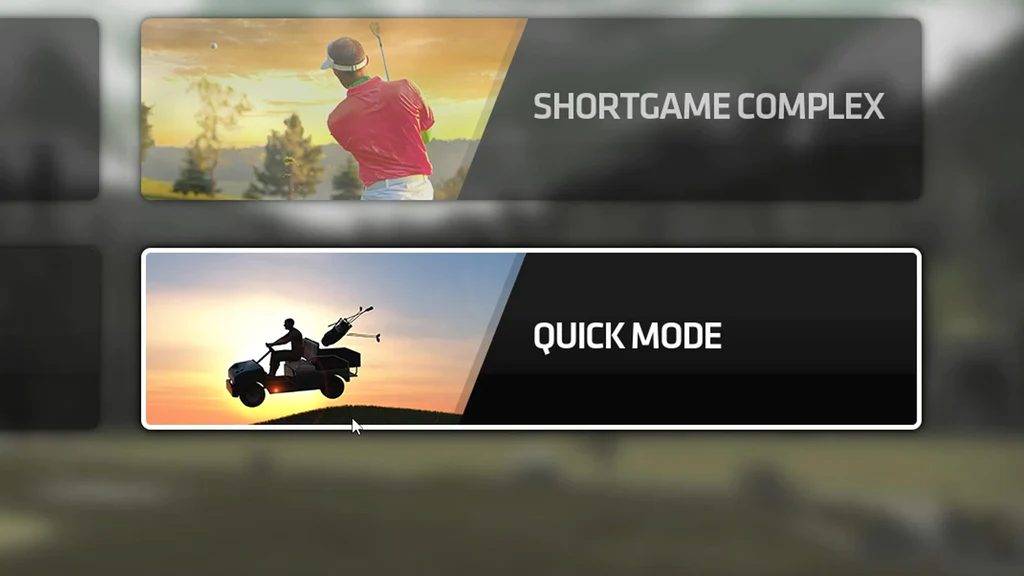
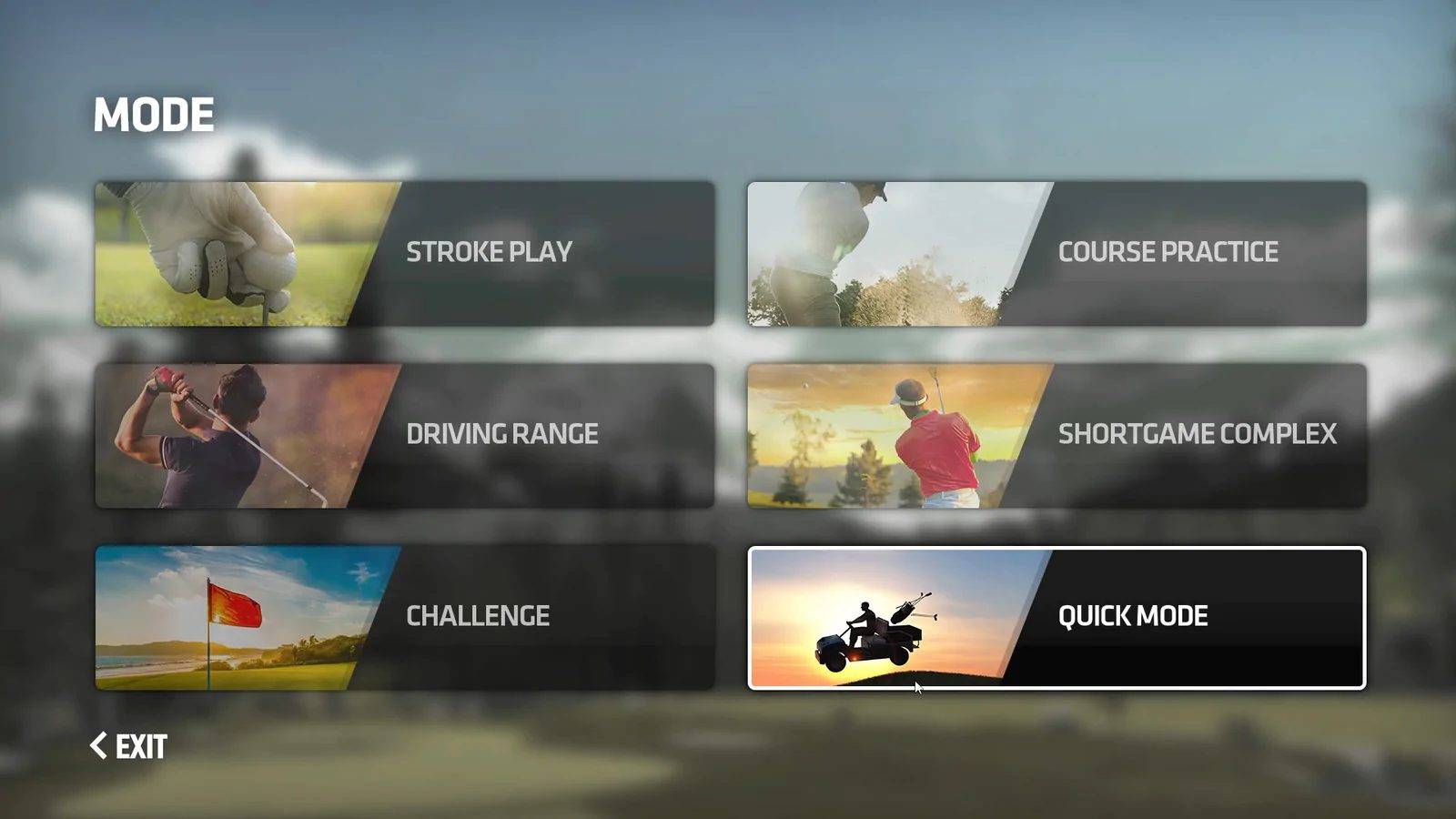
There are some shortcuts to success! The new Quick (Start) Mode is your shortcut to the most popular practice modes on Refine and Refine+. Now it's possible to select from six different modules with new detailed swing objectives for a complete training regimen curated to enhance your golfing skills at any level.
Whether you're working to fix that dreaded hook shot or working distance control with randomized wedge distance practice, there is a specific module to help improve and polish every shot. Below is the full list of practice modules for each type of shot.
Hook. 150 yds Iron Hook Correction Exercise: Correct iron hooks by focusing on out-to-in club path and left-to-right ball spin for right-handed players (right-to-left ball spin for left-handed players); provides insight to best correct your hook shot with irons, with active tracking of each ball flight, distance, and trajectory. Driver Hook Correction Exercise: Correct hooks by focusing on out-to-in club path and left-to-right ball spin for right-handed players; provides insight to correct a hook shot, with active tracking of each ball flight, distance, and trajectory.
Slice. Iron Slice Correction Exercise at 130 yds: Correct iron slices by focusing on in-to-out club path and right-to-left ball spin for right-handed players (left-to-right ball spin for left-handed players); provides insight to correct a slice shot, with active tracking of each ball flight, distance, and trajectory. Driver Slice Correction Exercise: Correct driver slices by focusing on in-to-out club path and right-to-left ball spin; provides insight to correct a slice shot with drivers, with active tracking of each ball flight, distance, and trajectory.
Distance. Driver Distance Training: Hit your drives at the range to get instant club and ball data and track your progress. Tee Shot Confidence Builder: Hit your drives off a tee on the course to gain confidence and increase distance.
Wedge. Random Wedge Distance Practice: Hit various shots from 50-100 yd toward the pin. Wedge Game: Test your skills from 60 yd on Challenge Mode.
Short Game. Running Chip Shot Practice: Work on running chip shots toward the pin. Pitch Shot Practice: Work on pitch shots that land soft and run less. Chip, Pitch Shot Evaluation: Test your skills from various distances and lies using both running chip shots and soft-landing pitch shots. 30 yd Pitch Shot Practice: Practice pitch shots from 30 yd that land soft and run less.
Putting. Long Putt Practice: Practice putts from long distance to improve putting efficiency. Short Putt Practice: Practice putts from short distances to improve putting efficiency. Putting Evaluation: Practice your lag putts.
New Shot Data
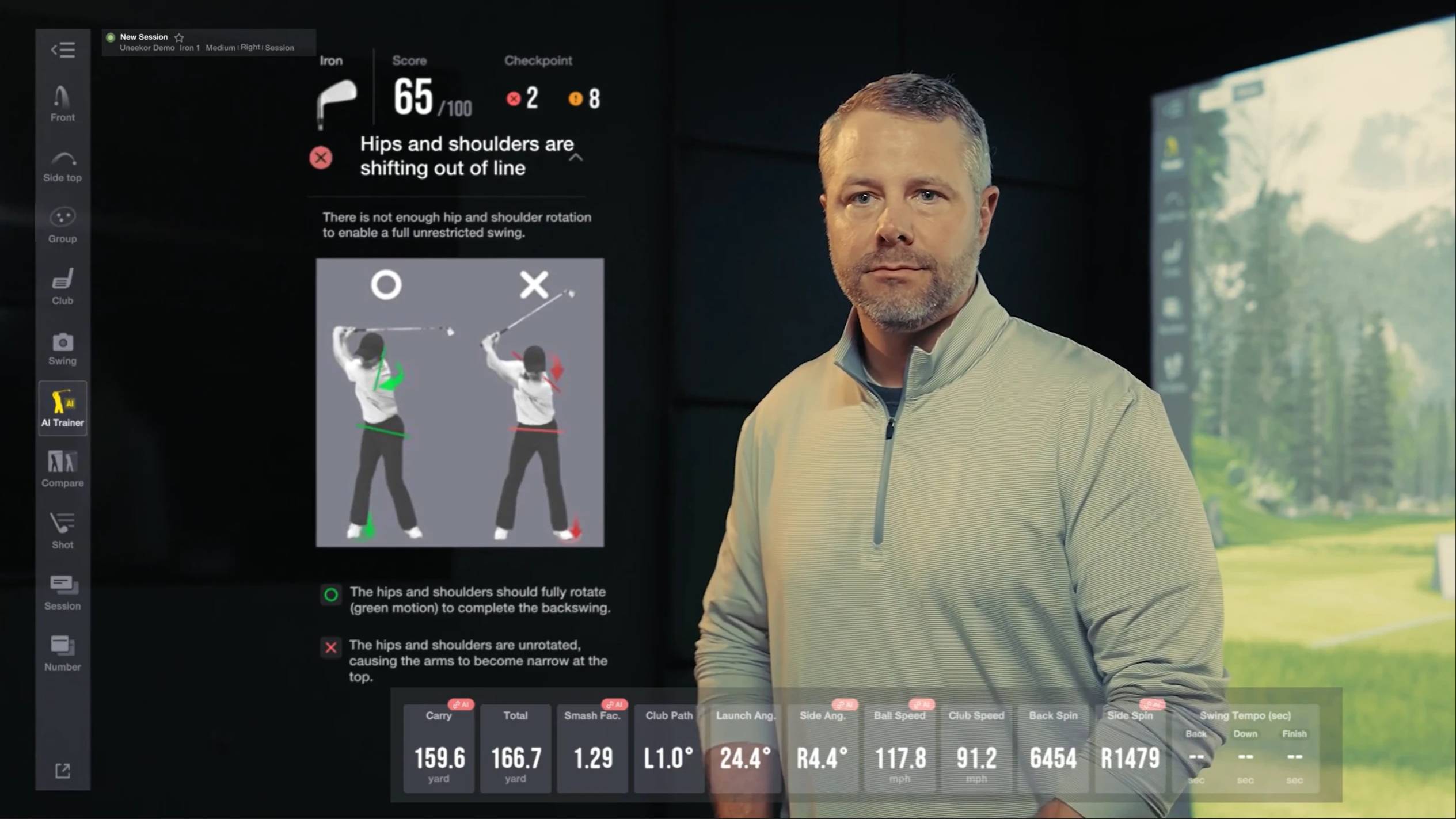
Knowledge is power! And more so when we put it into use. Access the new library of Ball and Club Data explanations conveniently located within Range Mode and Quick (Start) Mode. Now you can reference the meaning of each data point to help you better understand every single detail that is going on with each swing.
The best training is purpose- and result-driven. Shot Data is here to serve you as a training aid that maps out your swing's characteristics thoroughly and accurately for thoughtful practice that will make a difference on the course. Download Uneekor's latest updates to Refine and Refine+ today. Should you have any questions, please reach out to Support@uneekor.com for help regarding the new Refine and Refine+ updates.