How do I update my launch monitor firmware or algorithm?
Most Uneekor launch monitors can be updated through Uneekor Launcher's Device settings.
Most Uneekor launch monitors can be updated through Uneekor Launcher's Device settings.
While Uneekor software works with Windows Security or Windows Defender, most third-party antiviruses (i.e., McAfee, Norton) use a different method of scanning for viruses that falsely flags our software as a virus. It is recommended to use Windows Security or Windows Defender instead.
To change screens in a dual- or multi-monitor setup, adjust the software's display settings and assign the desired monitor for gameplay, menus, or the main display. The exact steps vary by application, so refer to the display settings within the software or launcher you are using.
To connect an iPad to EYE MINI using the VIEW Air app, enable the device’s access point mode, connect through the app, and complete the initial setup. For ongoing use, you can optionally connect the EYE MINI to a Wi-Fi network and ensure the device is updated if connection issues occur.
Download Uneekor Launcher from our website's Resources page onto your Windows PC, install and launch it, then sign in with your Uneekor account to get started. If you do not already have an account, create one through MyUneekor before logging in.
If VIEW, REFINE, or REFINE+ does not fit properly on your screen, open the software settings through Uneekor Launcher and adjust the display resolution. After updating the resolution, the software should continue to open using the selected display settings.
Learn how Uneekor Launcher notifies you of available software updates and helps keep your Uneekor programs current.
Learn how to troubleshoot Uneekor software that will not start after an update by checking your PC and reinstalling the affected software or Uneekor Launcher.
Learn which Uneekor software supports the EYE XO2 Trouble Mats and review current compatibility limitations for third-party golf software.
Explore Uneekor’s software options for managing your equipment, analyzing performance, practicing your game, and playing golf. You can also connect compatible third-party golf software for additional courses and experiences.
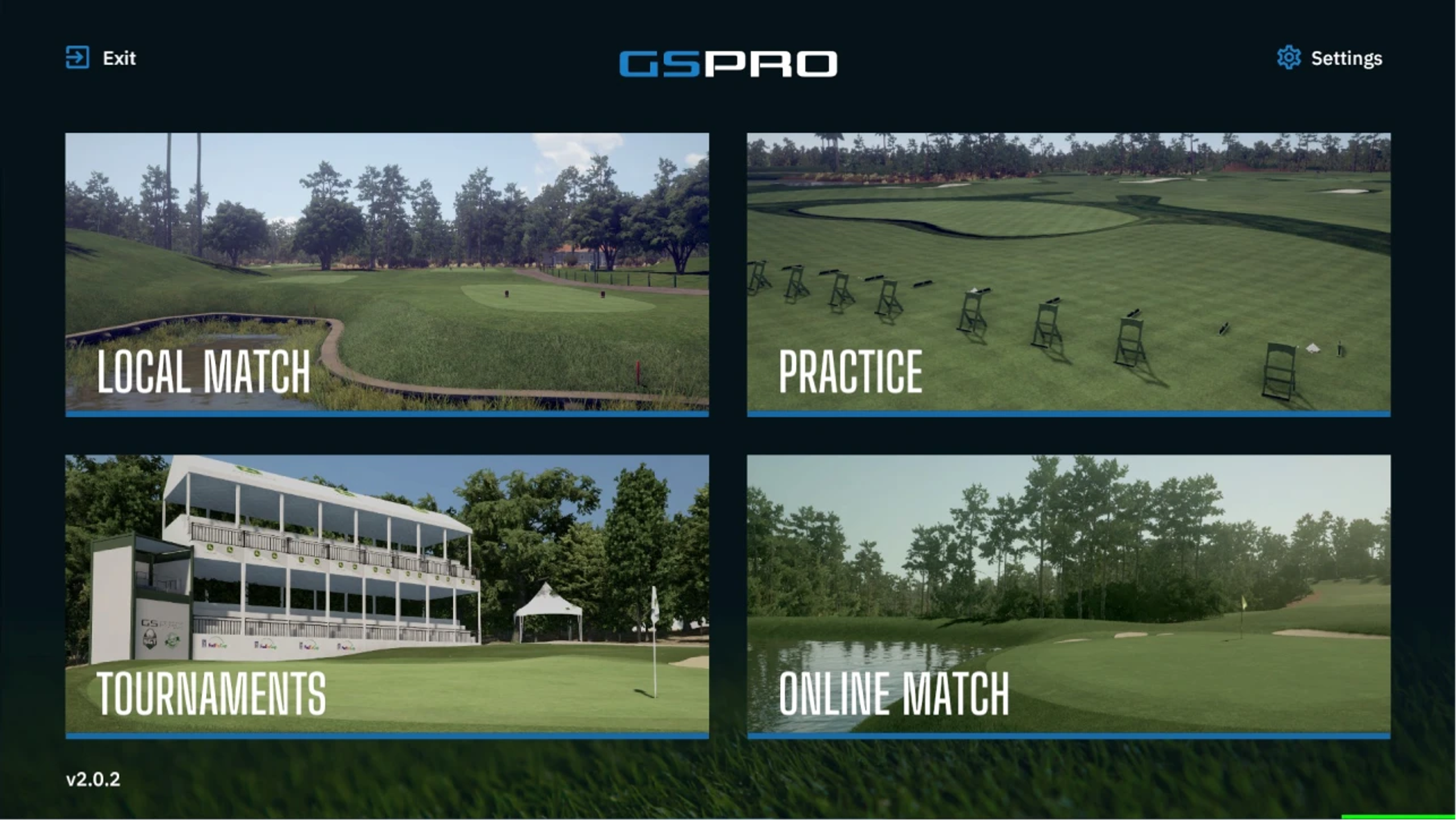
Learn how to access your GSPro promotional code.
Can’t find what you’re looking for and need help from our experts? Reach out to us any time using phone or email.
Get help troubleshooting your Uneekor hardware, software, memberships, installations, account issues, and technical questions.
Mon - Fri 8:00am - 8:00pm EST Sat - Sun 8:00am - 5:00pm EST
Need help with an order? Contact us about shipping, order status, returns, exchanges, cancellations, warranties, or payment questions.
Mon - Fri 10:00am - 8:00pm EST